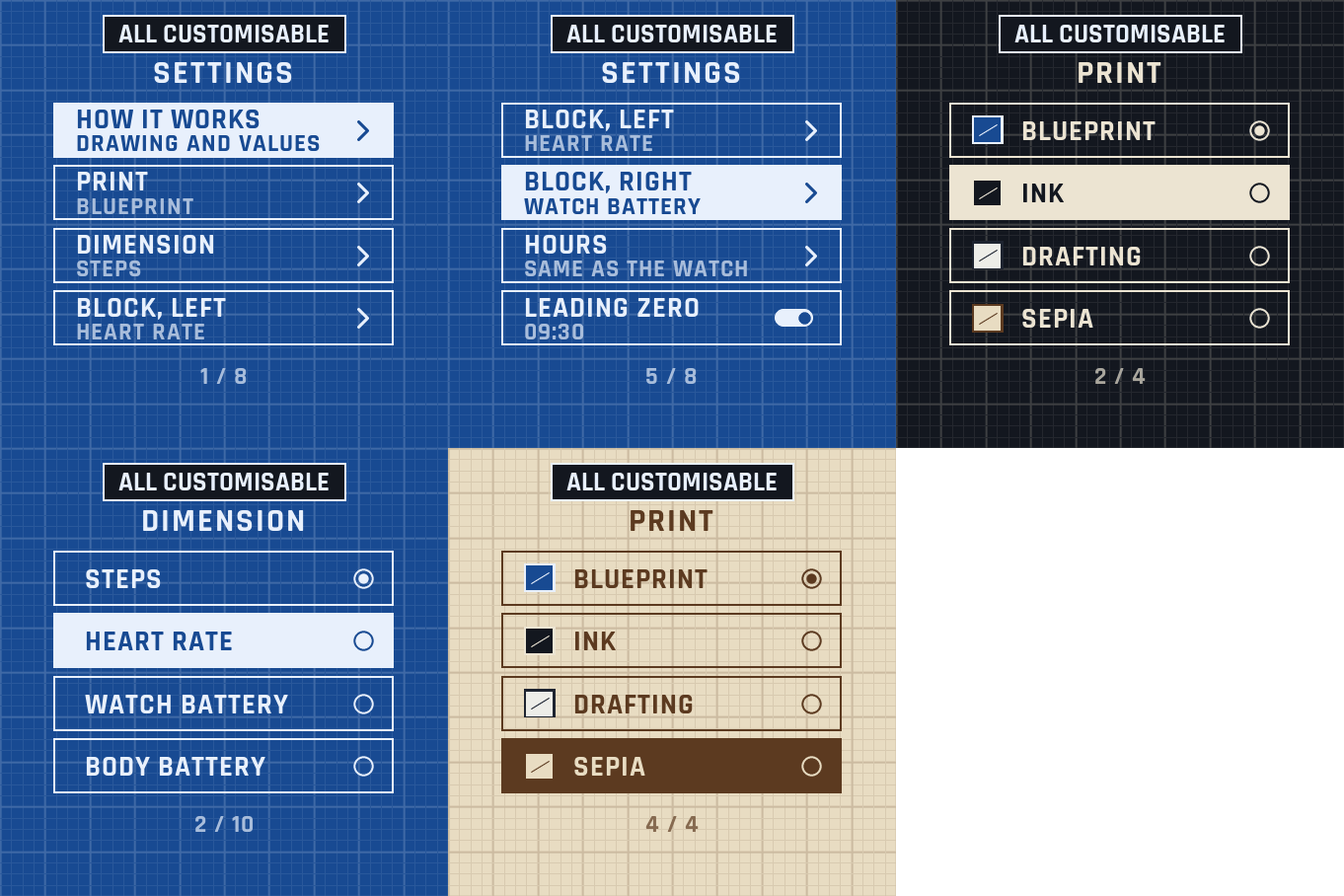
Settings on the watch
Hold UP, pick Watch Face, select Blueprint, press START, then Customize. The menu is drawn like a drawing sheet: a short How it works guide, the print, the three values, the hours, the leading zero and the always-on brightness. The same settings are in Garmin Connect if you prefer the phone.
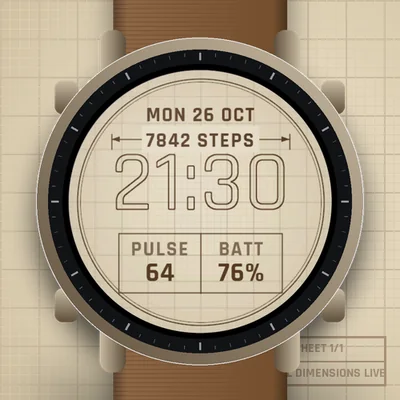
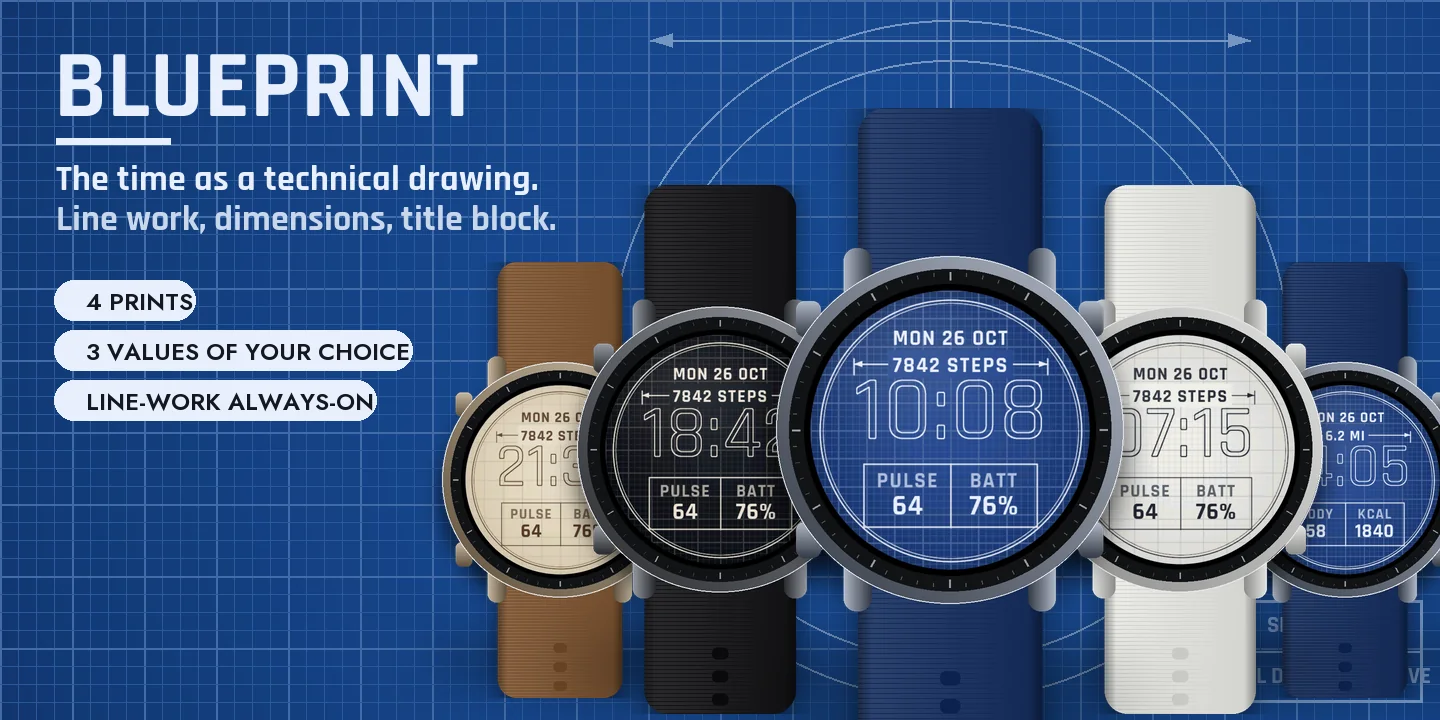
The time as a technical drawing
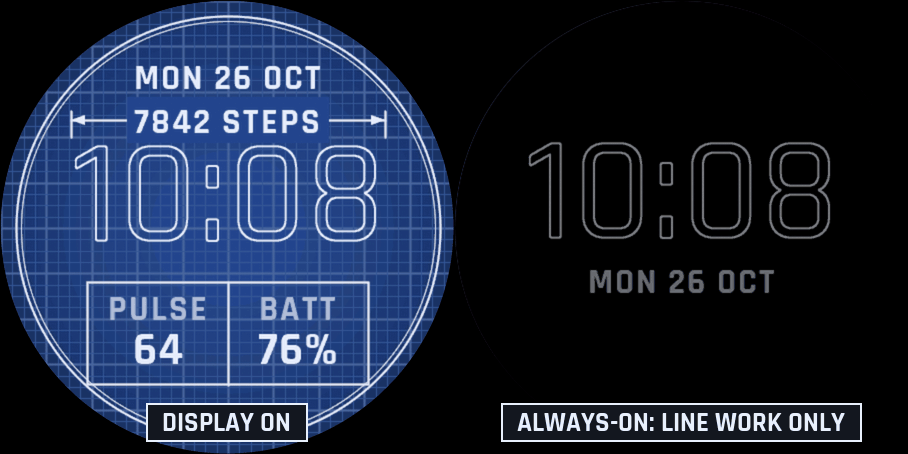
Large outlined digits on squared paper, inside a drawing frame. A dimension line runs above the time, with its arrows and extension lines, and carries a value: your steps by default. A title block at the bottom holds two more values.
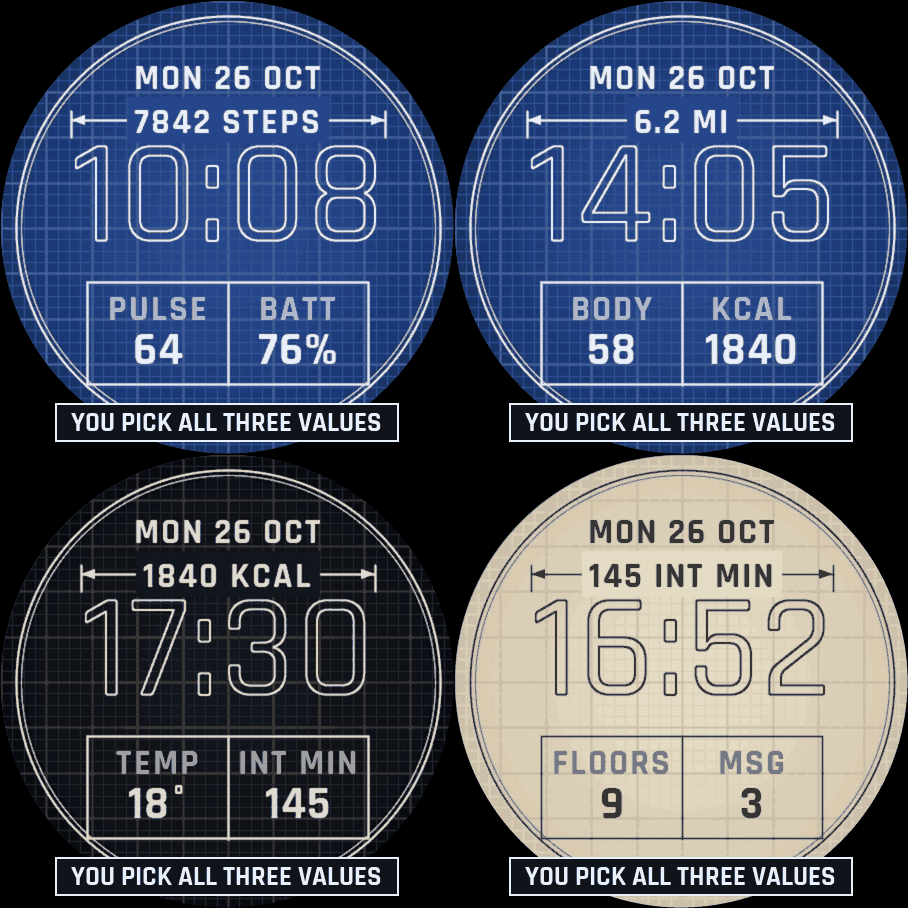
Three values of your choice
The dimension and both cells of the title block: steps, heart rate, watch battery, Body Battery, calories, floors, distance, intensity minutes, notifications or temperature. If your watch has no value, it shows -- rather than a made-up number. Nothing leaves the watch.
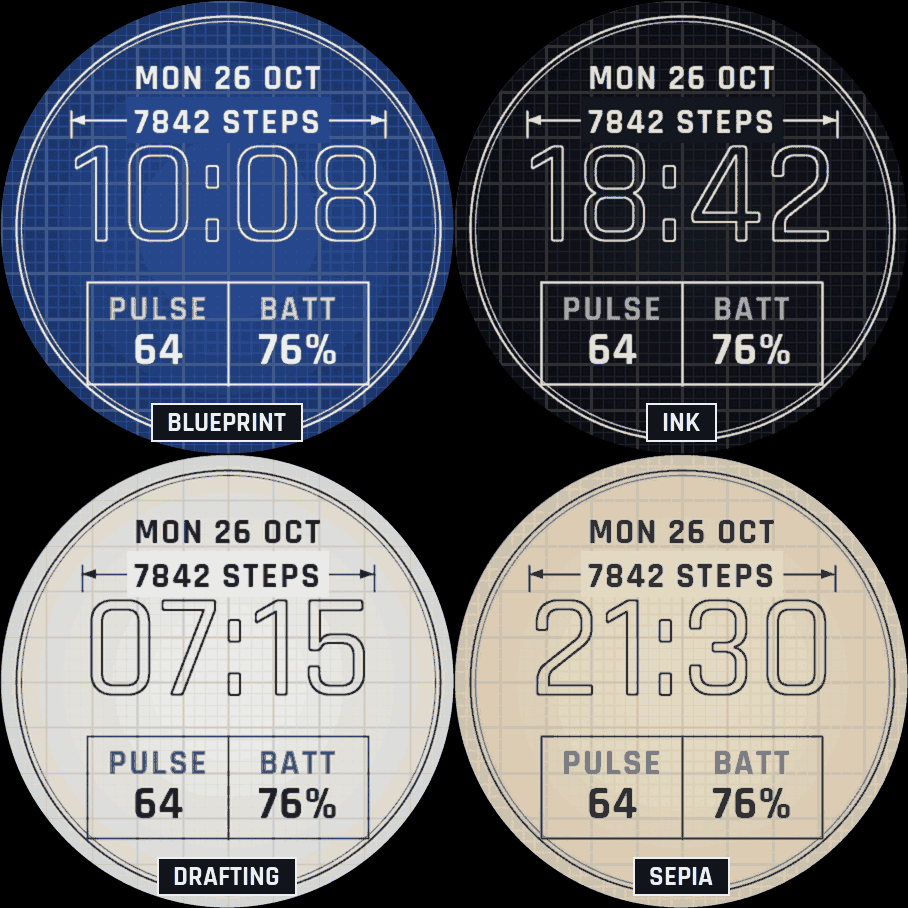
Four prints
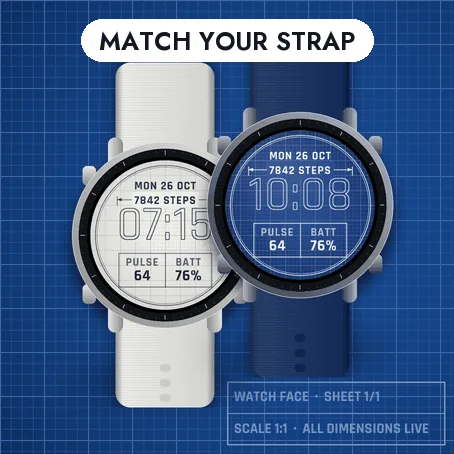
- Blueprint: white lines on blue paper.
- Ink: light lines on black.
- Drafting: pencil lines on white paper.
- Sepia: brown lines on cream, like an old print.
Hours like your watch, or always 24-hour, or 12-hour with or without a leading zero.
Always-on
A separate always-on design on a black screen: only the outlined digits in grey and the date. It shifts slightly every minute to protect the screen. A brighter option is in the menu.
Compatible with the Garmin AMOLED watches listed below. English only. Questions or a watch you would like to see supported: use the support e-mail on this page.