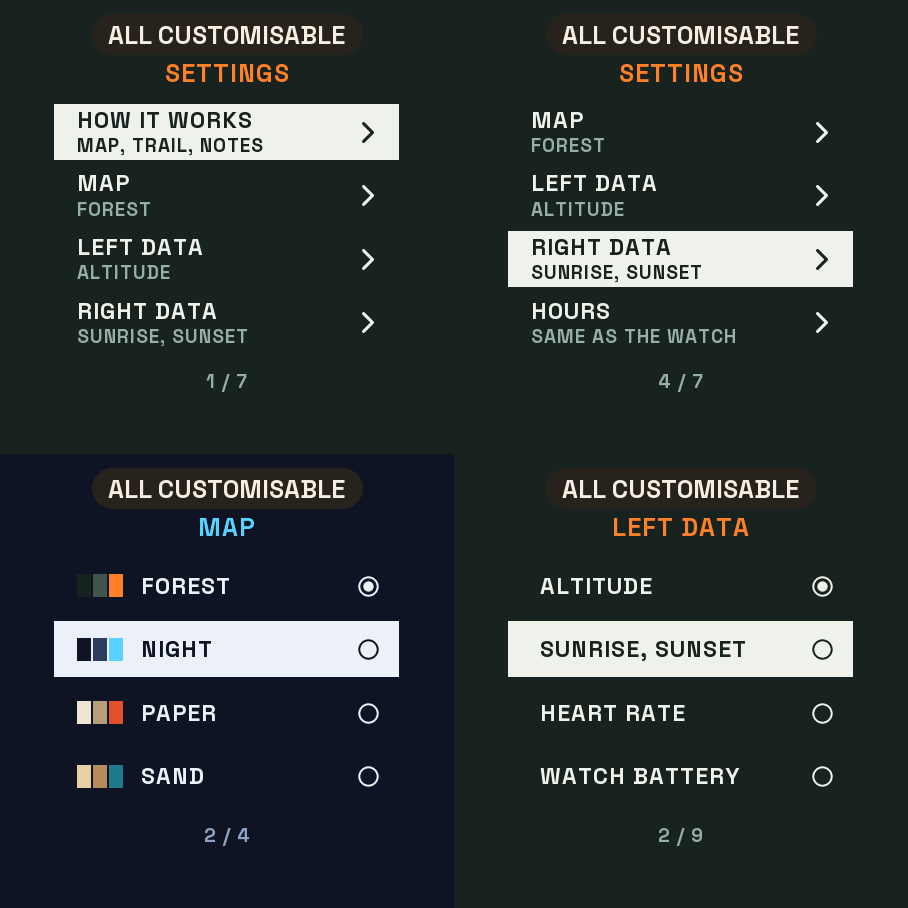
Settings on the watch
Hold UP, pick Watch Face, select Trailmap, press START, then Customize. The menu is drawn like the map: a short How it works guide, the map, the data on the left and on the right, the hours, the leading zero and the always-on brightness. The same settings are in Garmin Connect if you prefer the phone.
A topographic map on your wrist
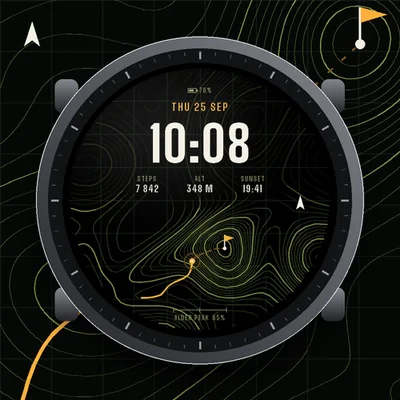
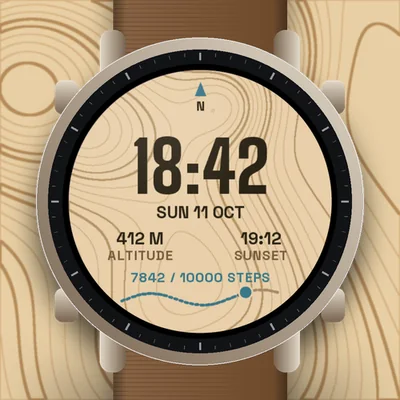
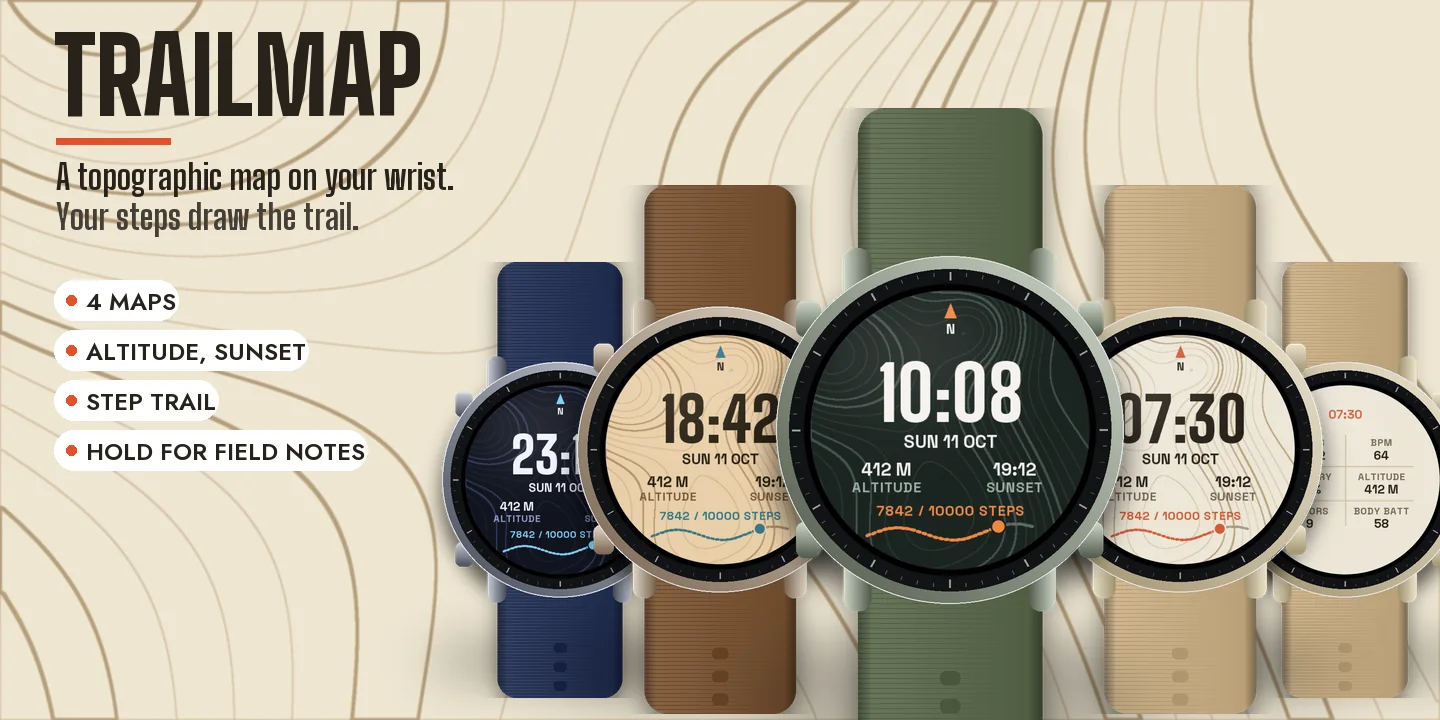
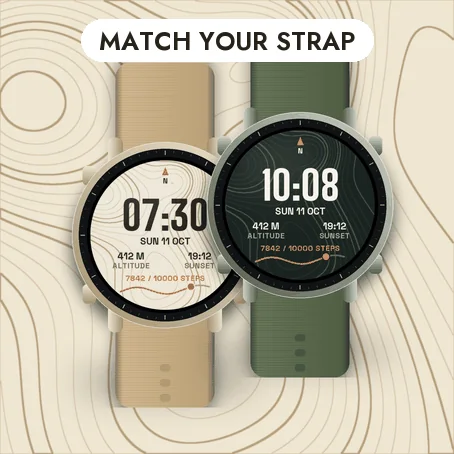
The background is a drawn topographic map with contour lines, thicker index lines and a north arrow. The time sits on top in big condensed digits, with the date and two values of your choice: altitude and the next sunrise or sunset by default.
Your steps draw the trail
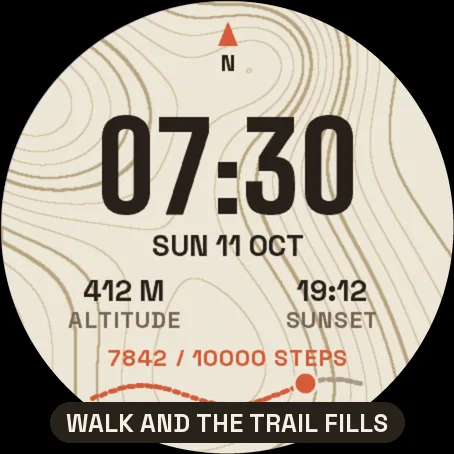
At the bottom, a dotted trail crosses the map. As you walk, the trail fills in colour towards your step goal and a marker shows where you are. Reach the goal and a flag appears at the end.
Hold for the field notes
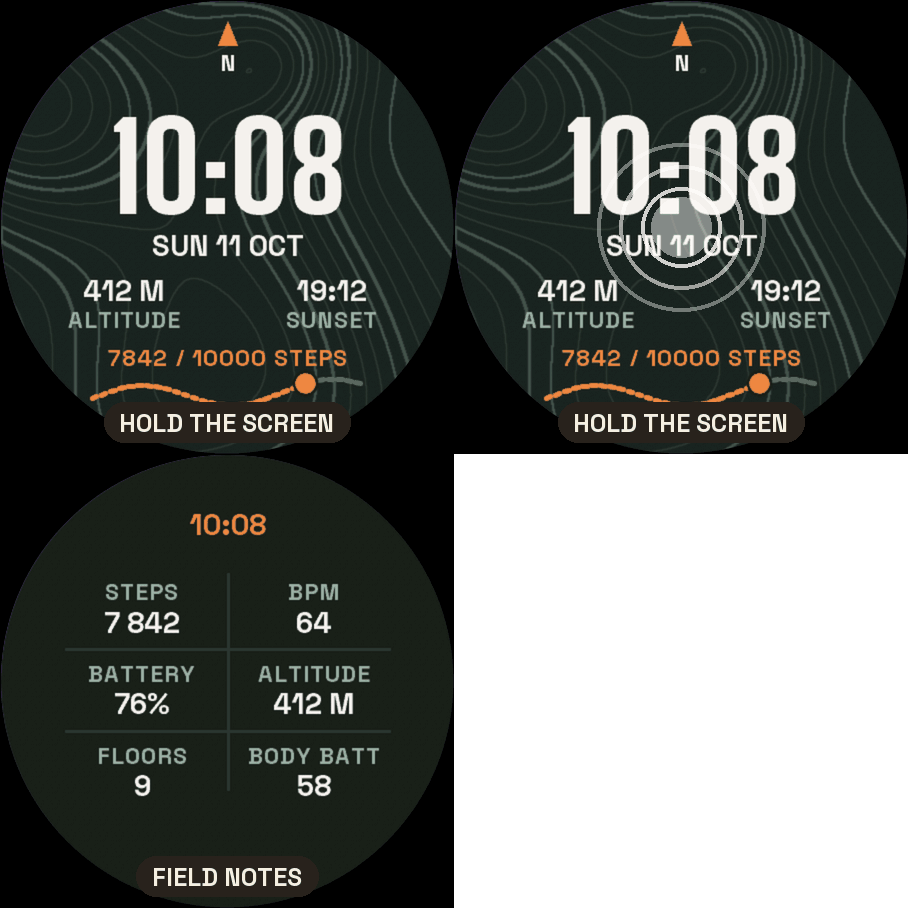
On watches with a touchscreen, press and hold the screen to see six values at once: steps, heart rate, battery, altitude, floors and Body Battery. Hold again to go back. If your watch has no value, it shows -- rather than a made-up number. Nothing leaves the watch.
Make it yours
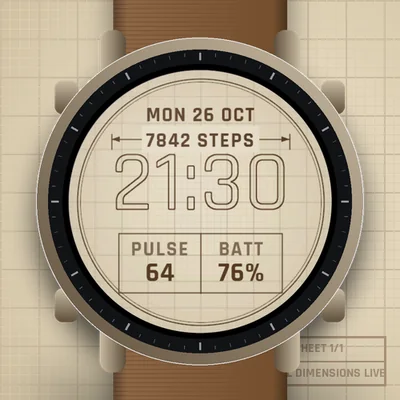
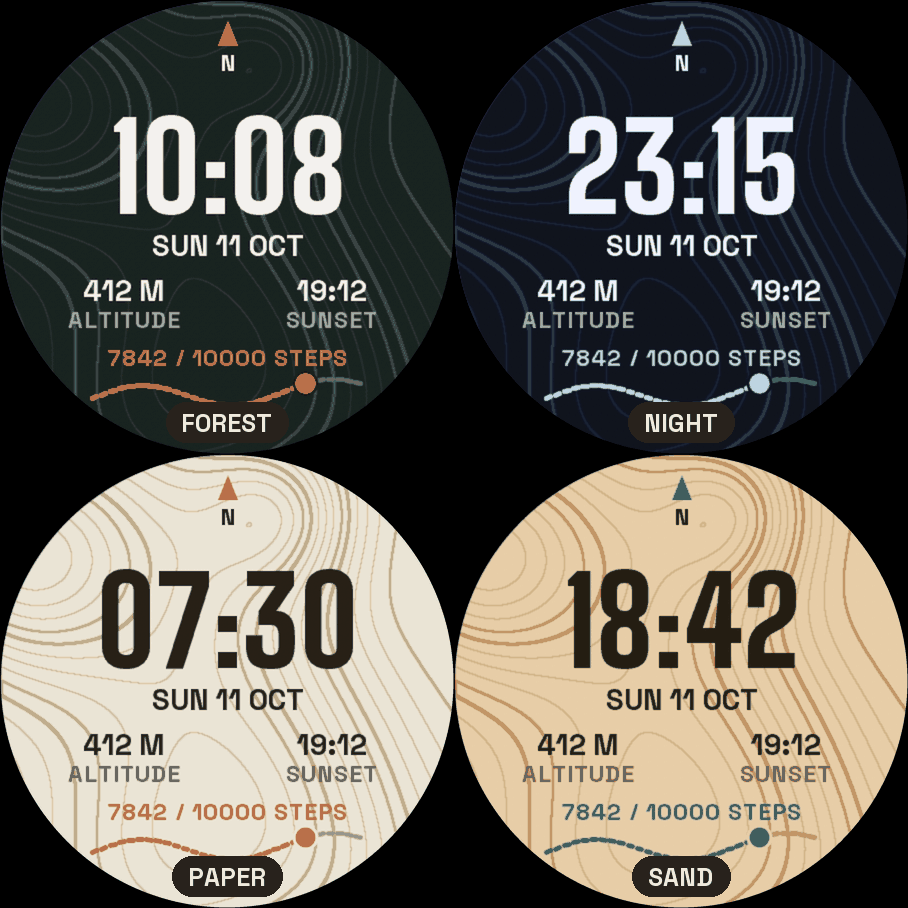
- Four maps: Forest, Night, Paper and Sand.
- Left and right data: altitude, sunrise and sunset, heart rate, watch battery, temperature, Body Battery, floors, distance or calories.
- Hours like your watch, or always 24-hour, or 12-hour with or without a leading zero.
Always-on
A separate always-on design on a black screen: the time in grey with the day and the date. It shifts slightly every minute to protect the screen. A brighter option is in the menu.
Compatible with the Garmin AMOLED watches listed below. English only. Questions or a watch you would like to see supported: use the support e-mail on this page.