Settings on the watch
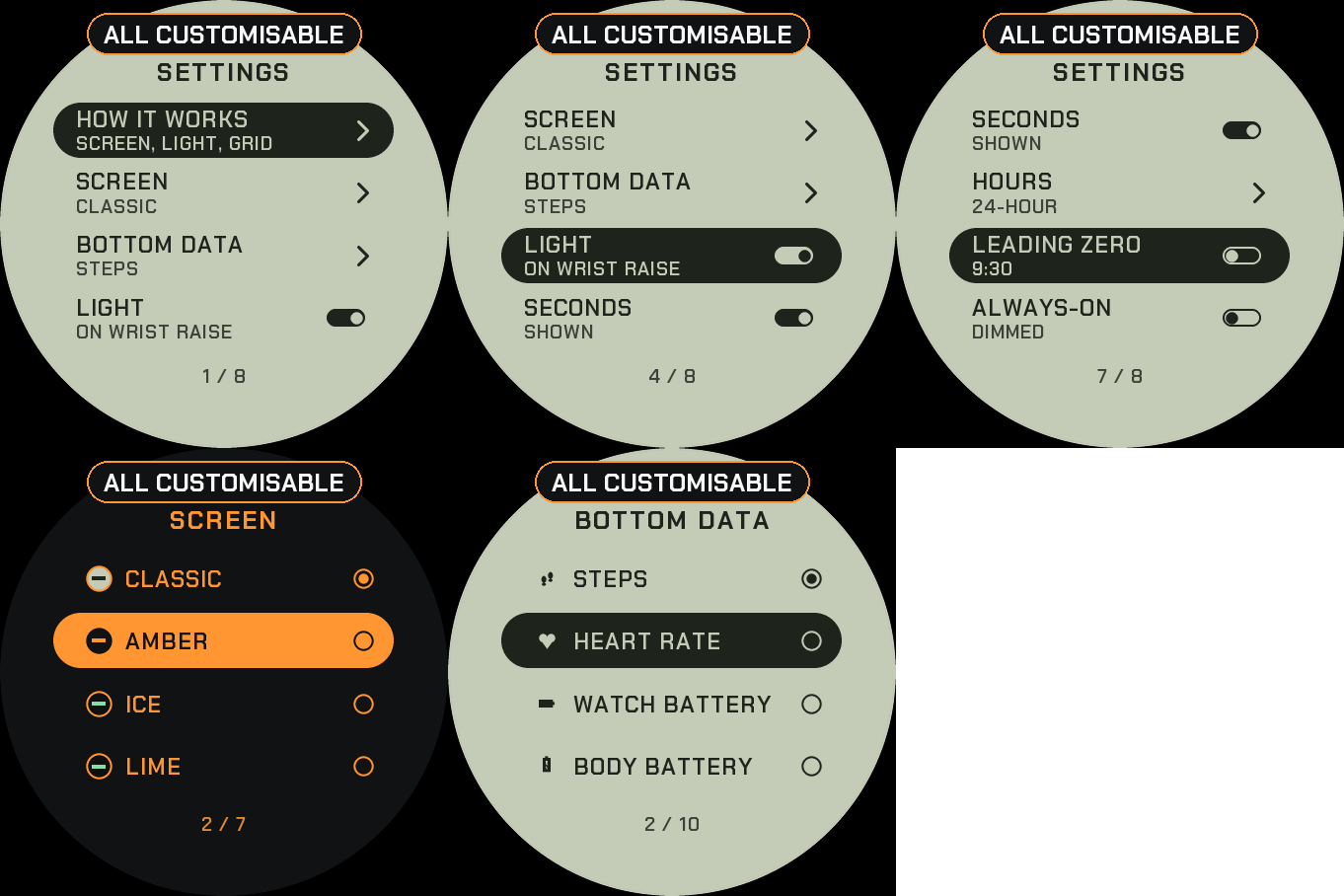
Hold UP, pick Watch Face, select LCD Sport, press START, then Customize. The menu is drawn like the face: a short How it works guide, the screen colour, the data at the bottom, the light, the seconds, the hours, the leading zero and the always-on brightness. The same settings are in Garmin Connect if you prefer the phone.
A 90s digital sports watch
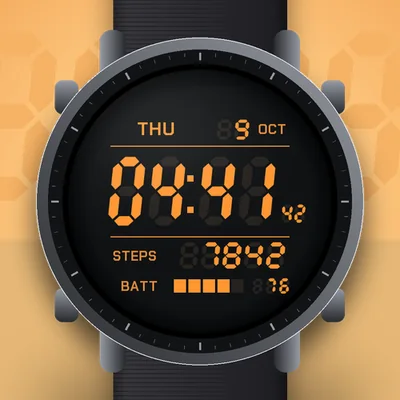
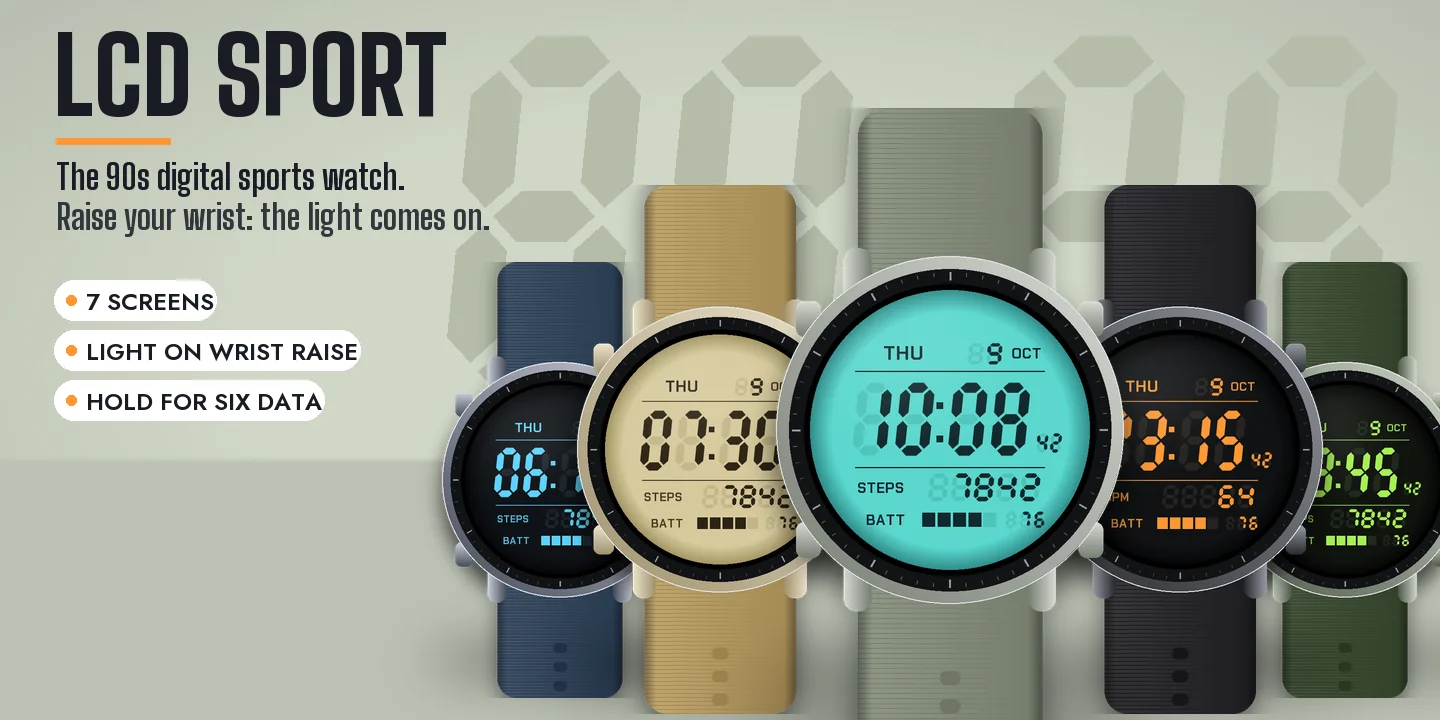
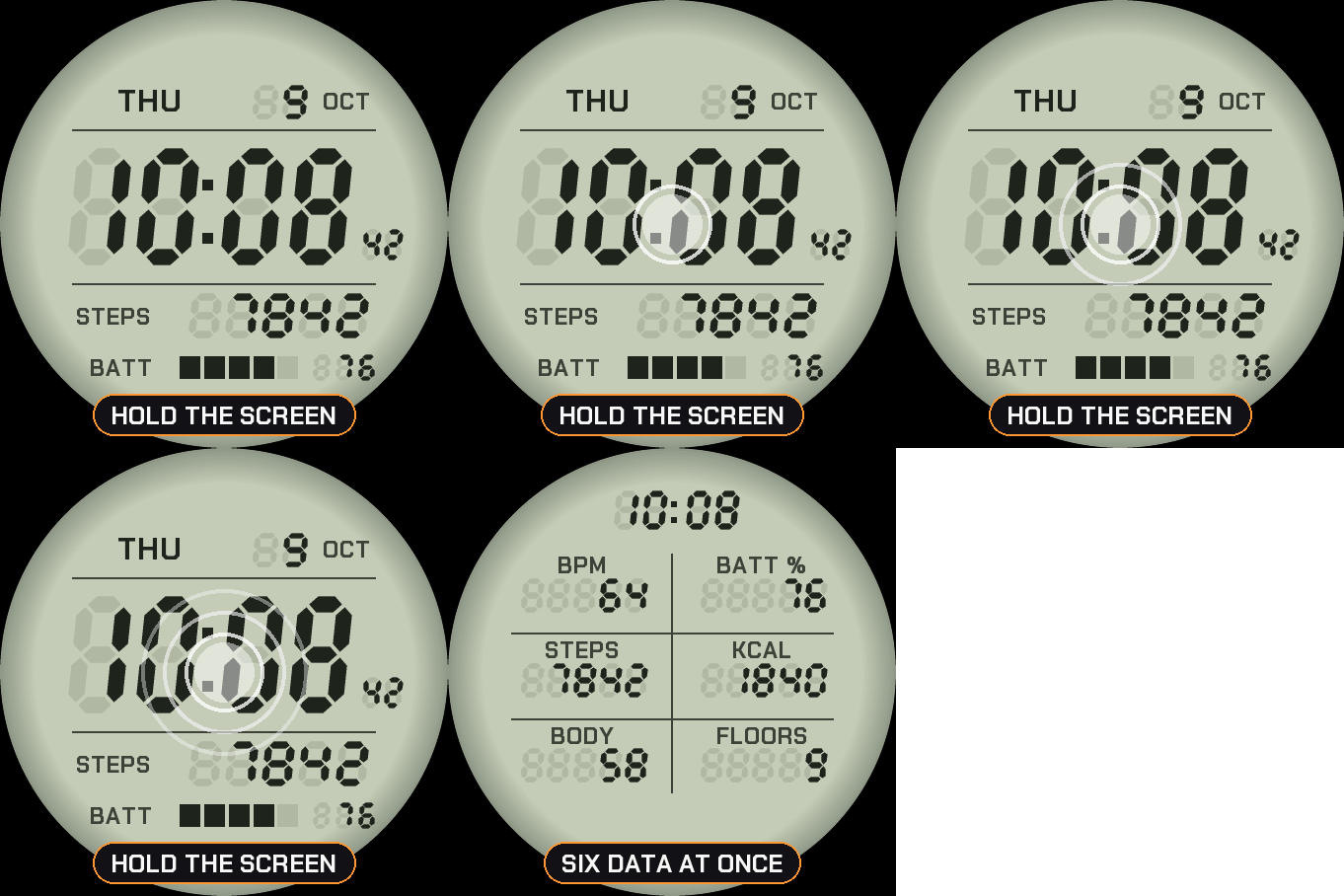
The whole screen is an LCD: seven-segment digits with the unlit segments still faintly visible, like on a real digital watch. The day, the date and the month on top, the time and the seconds in the middle, one value of your choice and the battery at the bottom.
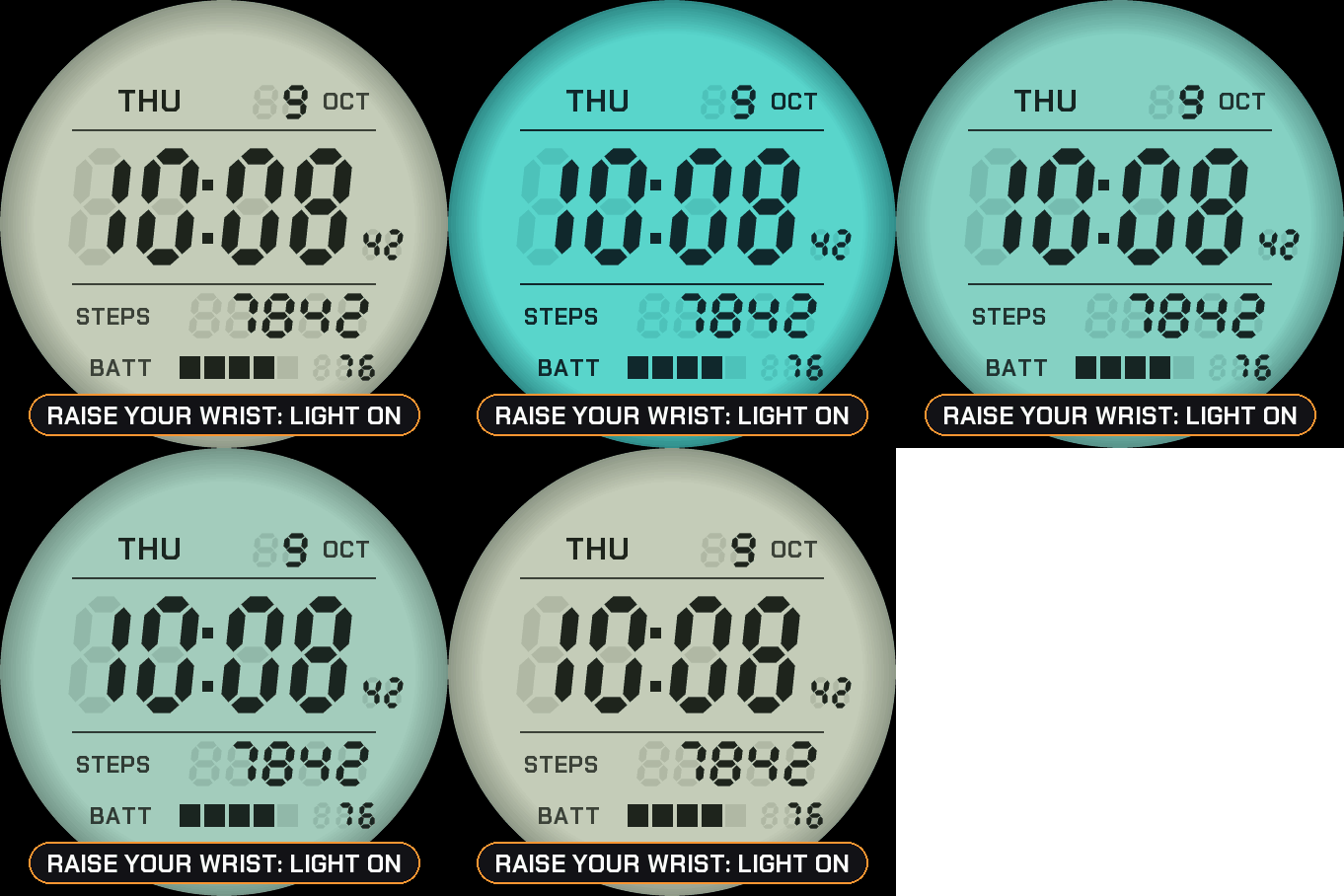
The light
Raise your wrist and the screen lights up for three seconds, like pressing the light button of a real digital watch, then fades out. You can turn it off in the menu.
Hold for the grid
On watches with a touchscreen, press and hold the screen to see six values at once: heart rate, battery, steps, calories, Body Battery and floors. Hold again to go back. If your watch has no value, it shows -- rather than a made-up number. Nothing leaves the watch.
Make it yours
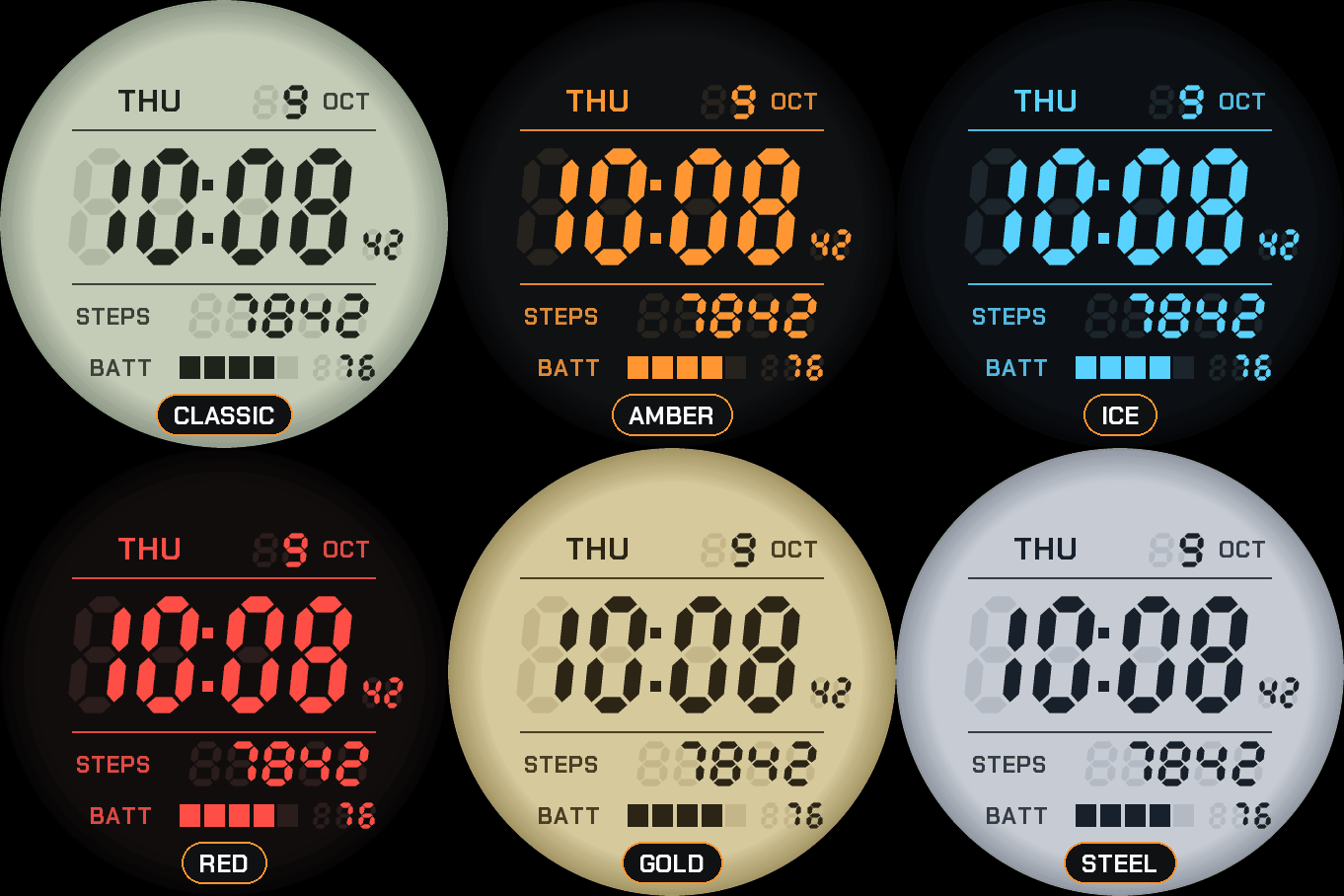
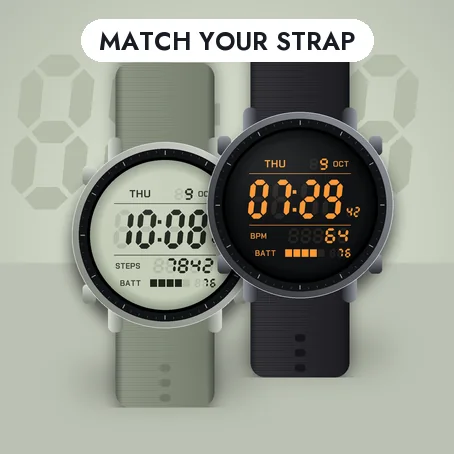
- Seven screens: Classic grey-green, Gold and Steel, or a black screen with Amber, Ice, Lime or Red digits.
- The value at the bottom: steps, heart rate, watch battery, Body Battery, calories, floors, distance, intensity minutes, notifications or temperature.
- Seconds shown or hidden. Hours like your watch, or always 24-hour, or 12-hour with or without a leading zero.
Always-on
A separate always-on design on a black screen: only the lit segments of the time, in grey, with the day and the date. It shifts slightly every minute to protect the screen. A brighter option is in the menu.
Compatible with the Garmin AMOLED watches listed below. English only. Questions or a watch you would like to see supported: use the support e-mail on this page.