Settings on the watch
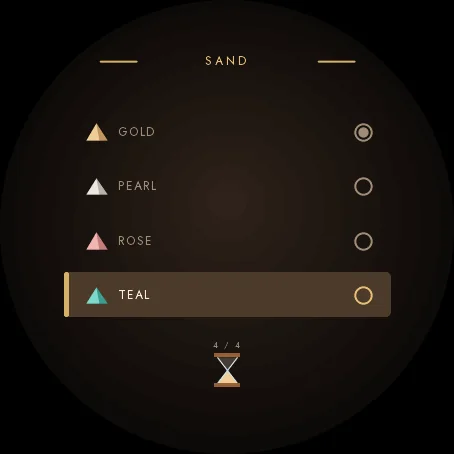
Hold UP, pick Watch Face, select Sandglass, press START, then Customize. The menu is drawn in the style of the face: your Goal log, a short How it works guide, the wood, the sand, the backdrop, the typeface, the three readings, and switches for the falling sand and the always-on brightness. The same settings are in Garmin Connect if you prefer the phone.
Your steps fall through a sandglass
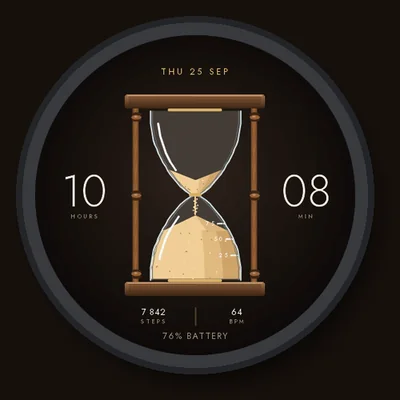
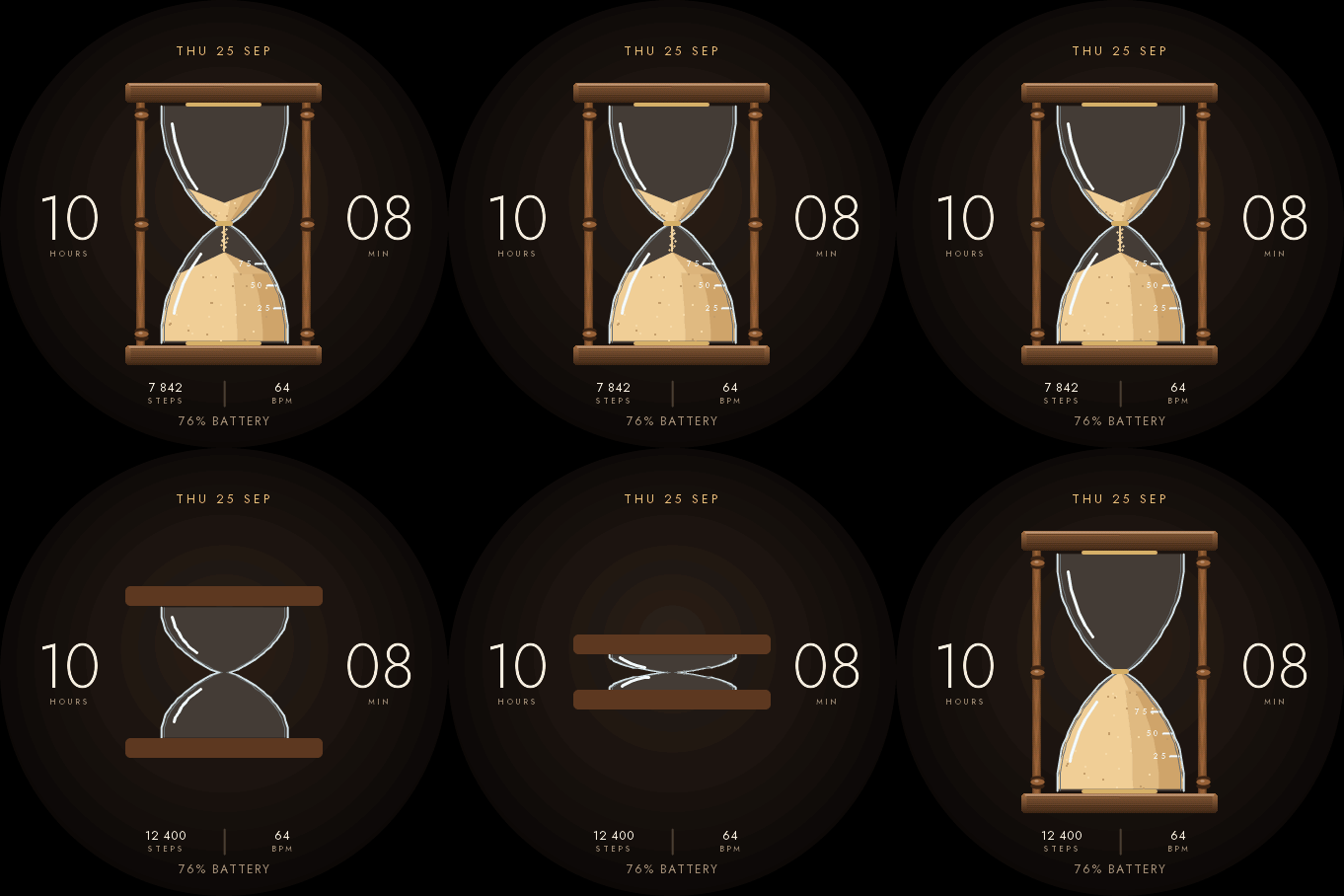
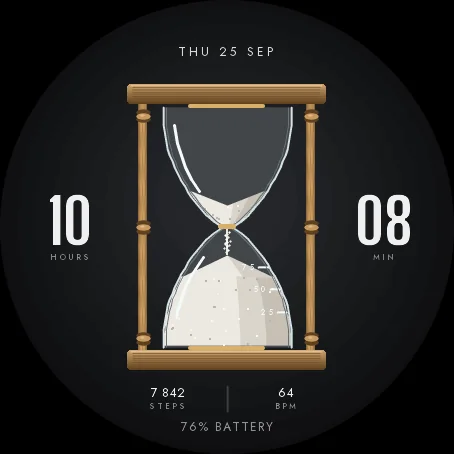
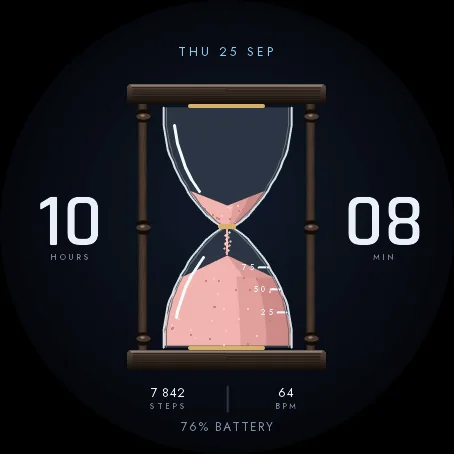
A sandglass stands in the middle of the face, the hours on its left and the minutes on its right. The sand at the top is what you still have to walk to reach the step goal set on your watch; the sand at the bottom is what you have done. A scale engraved on the lower bulb marks 25, 50 and 75 percent. When you raise your wrist, a thin stream of sand falls. When you reach your goal, the sandglass turns over.
Make it yours
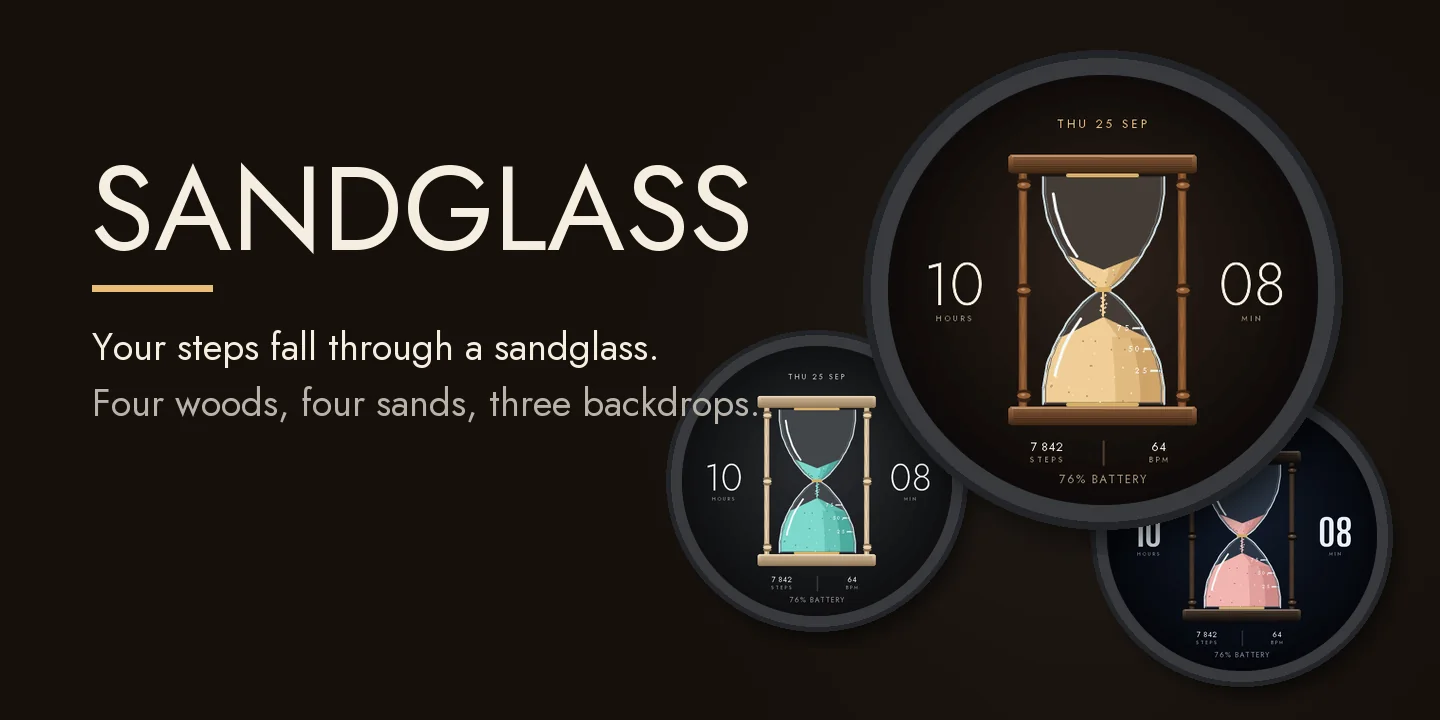
- Four woods for the turned posts and the plates: walnut, oak, ebony, maple.
- Four sands: gold, pearl, rose, teal.
- Three backdrops: warm, night, slate.
- Three typefaces for the time: light, condensed, technical.
- Three readings under the sandglass, each one of twelve: steps, heart rate, watch battery, next sunrise or sunset, Body Battery, floors, calories, distance, intensity minutes, altitude, temperature, notifications.
If your watch has no value, the face shows -- rather than a made-up number.
Goal log
Each day you reach your step goal is a goal day. The Goal log shows your goal days, your current and best streak and the last seven days. On watches with a touchscreen, press and hold the face to see them under the sandglass. Hold again to hide them.
Always-on
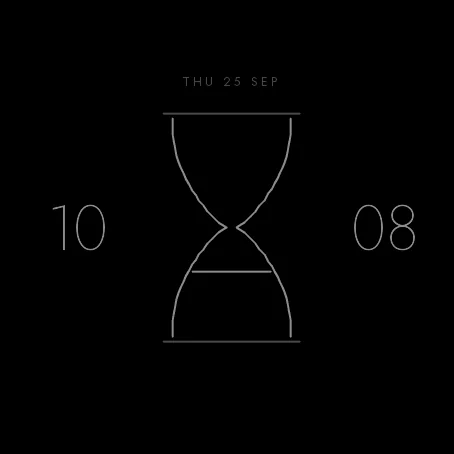
A separate always-on design on a black screen: the glass as a thin line, the level of the sand, thin digits and the date. It shifts slightly every minute to protect the screen.
Compatible with Garmin AMOLED watches listed below. English only. Nothing leaves the watch.