Settings on the watch
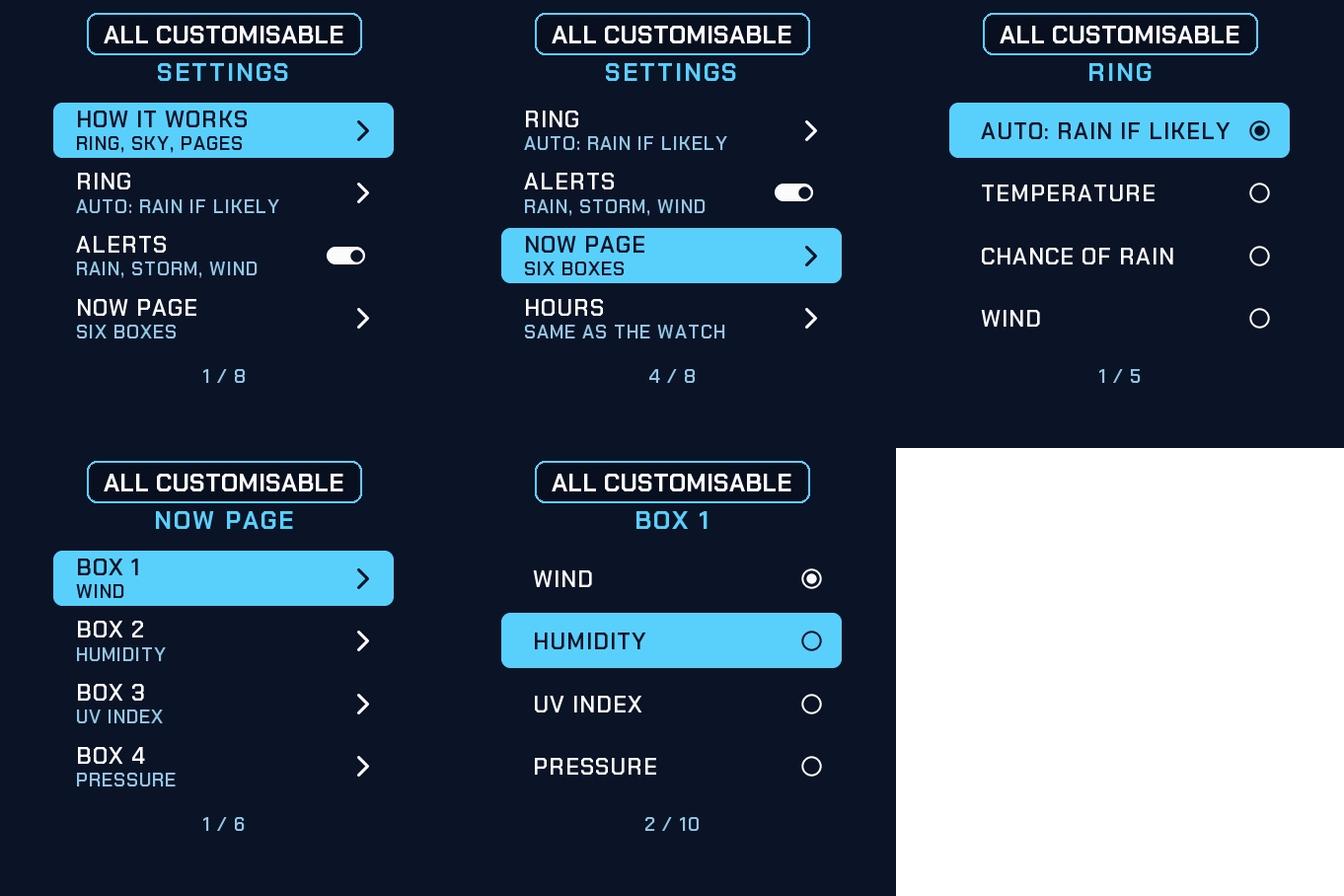
Hold UP, pick Watch Face, select Skyring, press START, then Customize. The menu is drawn like the face: a short How it works guide, what the ring shows, the bottom line, the notifications, the alerts, the six boxes of the Now page, the hours, the leading zero, the ring animation and the always-on brightness. The same settings are in Garmin Connect if you prefer the phone.
The sky of the moment
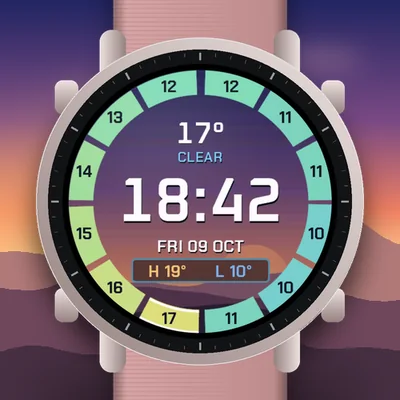
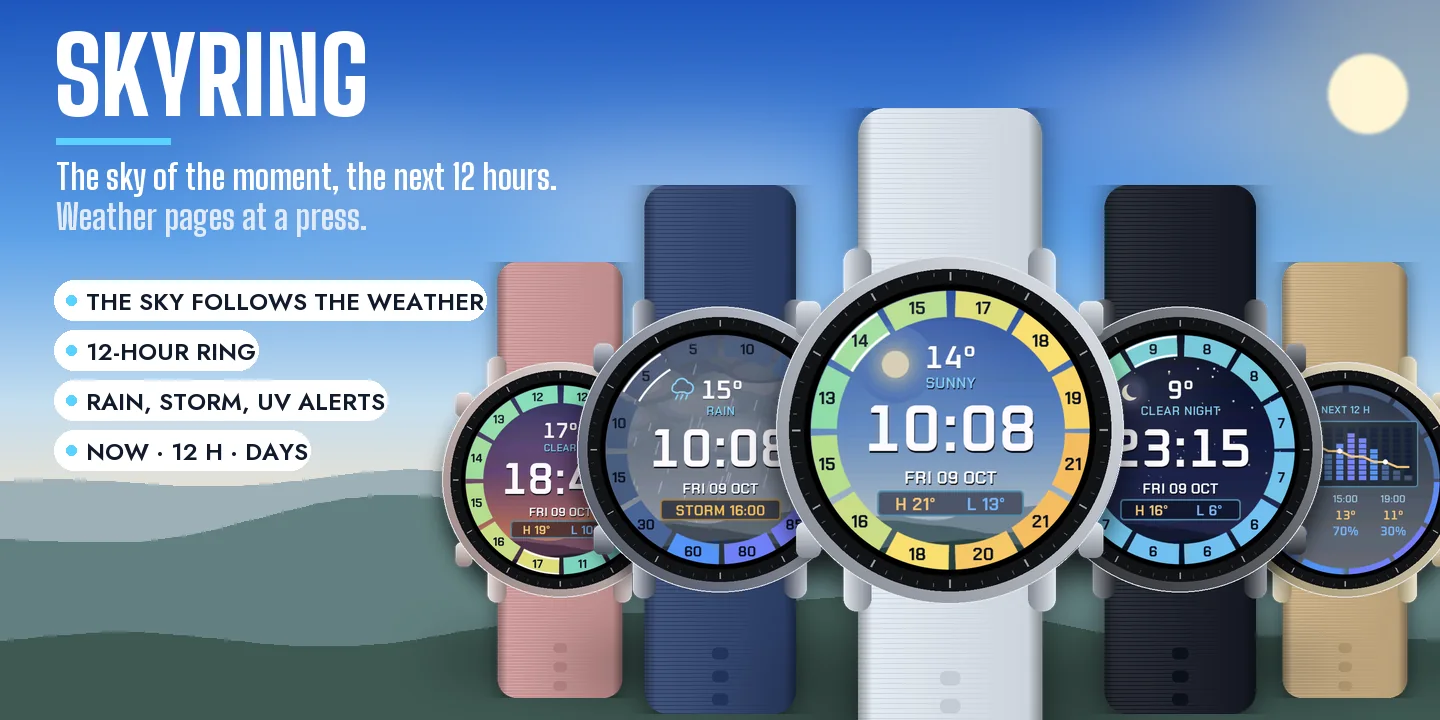
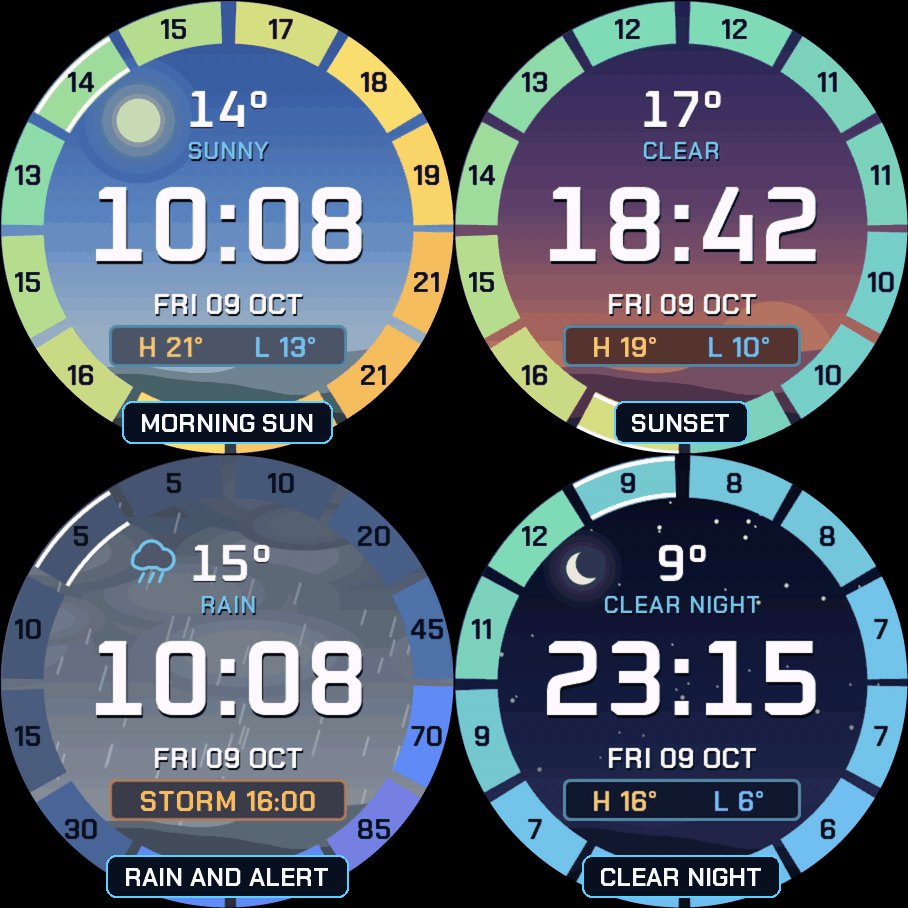
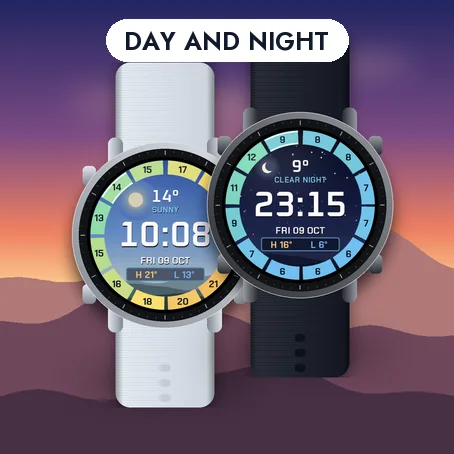
The background is a sky that follows the real sunrise and sunset and the weather: blue with the sun in its place in the morning, pink and orange at sunset, a starry night with the moon, grey with falling rain or snow, clouds when it is cloudy.
The next 12 hours on the ring
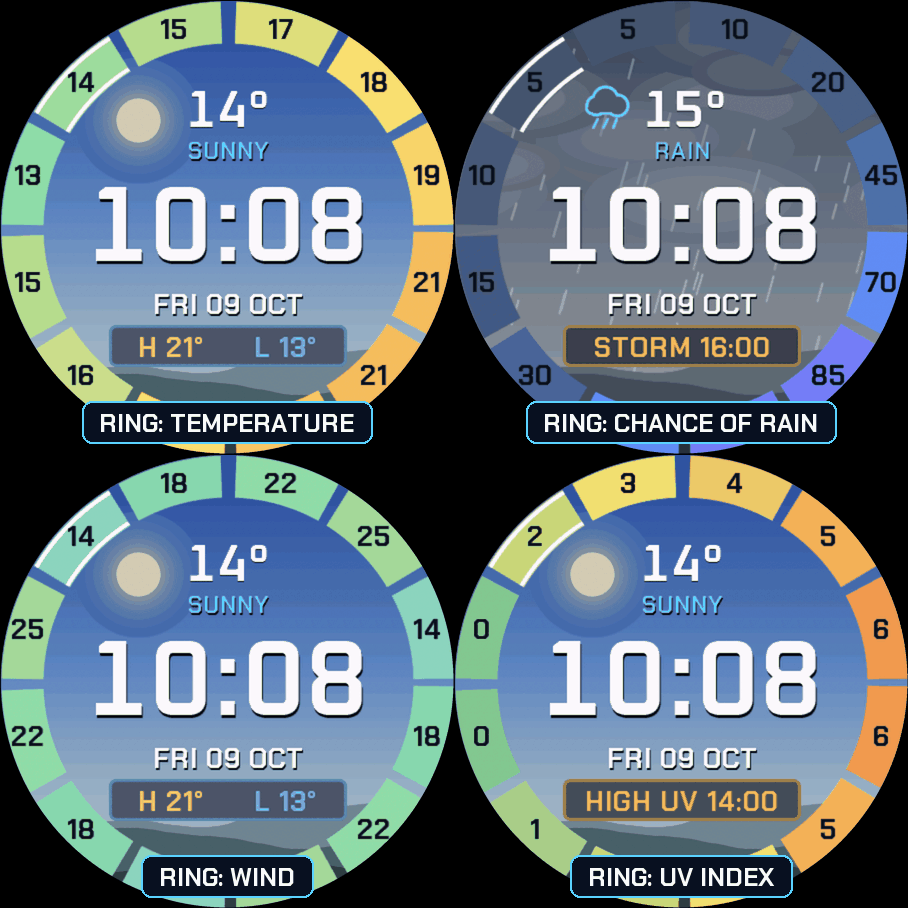
The ring is cut into 12 blocks: each coming hour sits in its place on the dial, like on a clock, with its value written inside and its colour (blue for cold, orange for warm). The block of the current hour is outlined in white. Choose what the ring shows: temperature, chance of rain, wind or UV index, or Auto (chance of rain when rain is likely, temperature otherwise). When you raise your wrist, the blocks light up one by one.
The bottom line and alerts
The line at the bottom shows today's high and low, or today's sunrise and sunset if you prefer. When something notable is coming in the next 12 hours, it shows that instead, with its time: storm, snow, rain, strong wind, high UV or frost. You can turn the alerts off.
Notifications
When you have unread notifications, a small envelope and their number appear under the bottom line. Nothing is shown when there are none, and you can turn it off.
Hold for the weather pages
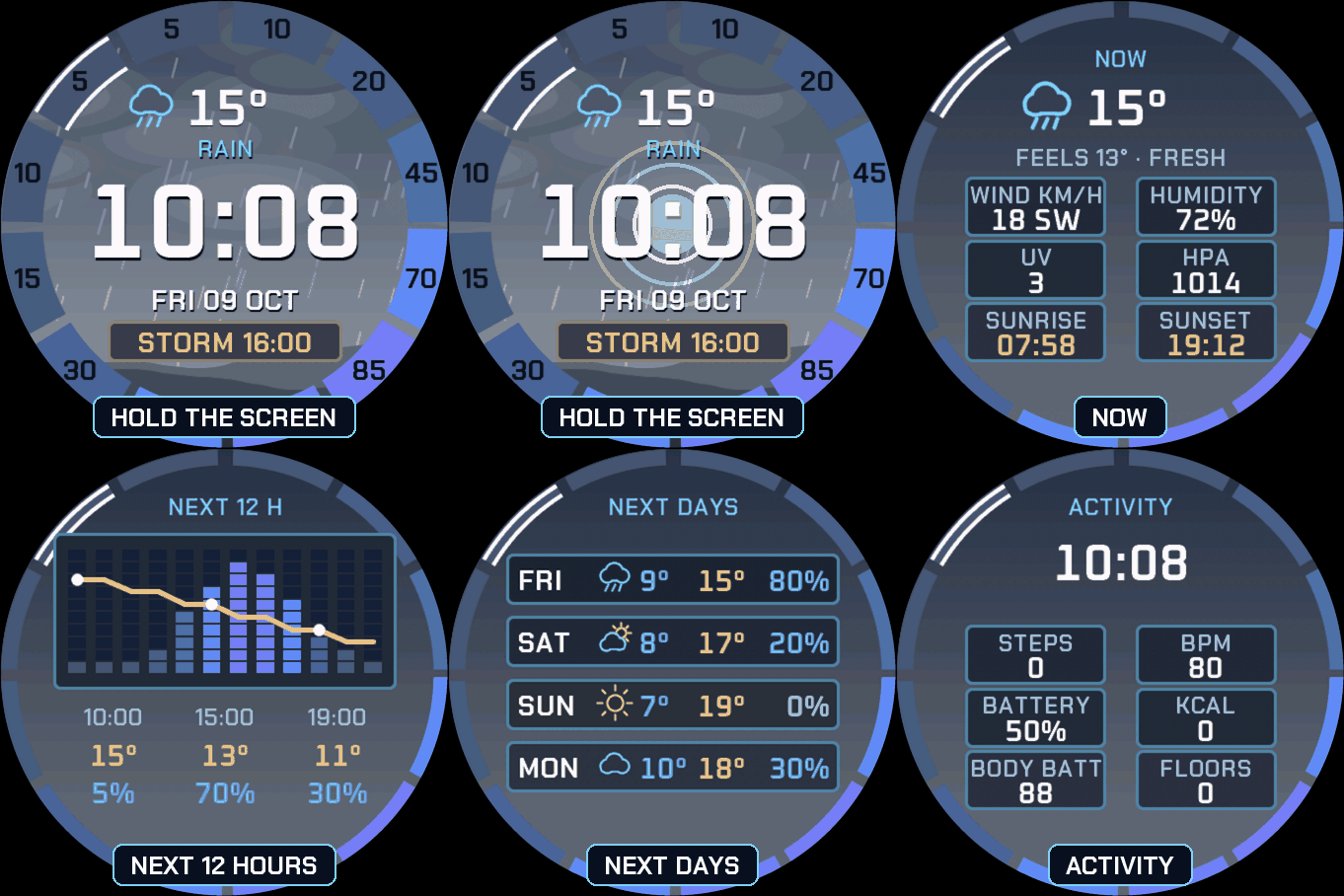
On watches with a touchscreen, press and hold the screen to go through: NOW (feels like, comfort and six boxes of your choice: wind and direction, humidity, UV index, pressure, dew point, visibility, cloud cover, sunrise, sunset, chance of rain), NEXT 12 H (rain in bars, temperature as a line), NEXT DAYS (each day with its icon, low, high and chance of rain) and ACTIVITY (steps, heart rate, battery, calories, Body Battery, floors). Then back to the face.
Your watch's weather
Skyring uses the weather of your Garmin watch, synced by Garmin Connect on your phone: no account, no key, nothing leaves the watch. Sunrise and sunset are computed for your location: the face asks for the location permission and uses the last position known by the watch, which never leaves it. The number of hours and days shown is what Garmin provides. Without weather data the face shows -- rather than a made-up number. Units follow your watch.
Always-on
A separate always-on design on a black screen: the time in grey, the temperature and the date. It shifts slightly every minute to protect the screen. A brighter option is in the menu.
Compatible with the Garmin AMOLED watches listed below. English only. Questions or a watch you would like to see supported: use the support e-mail on this page.