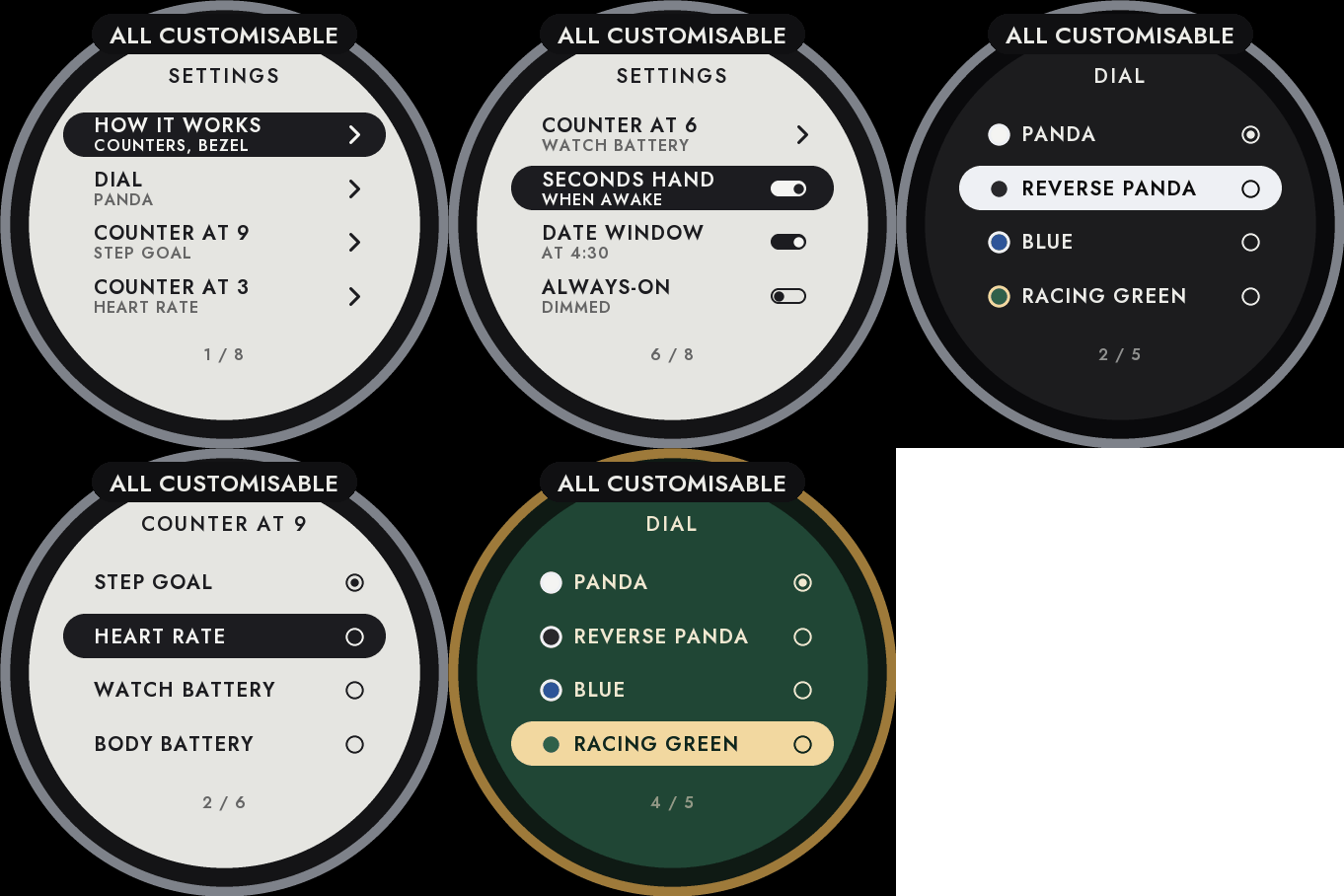
Settings on the watch
Hold UP, pick Watch Face, select Chronograph, press START, then Customize. The menu is drawn like the dial: a short How it works guide, the dial, the three counters, the seconds hand, the date window and the always-on brightness. The same settings are in Garmin Connect if you prefer the phone.
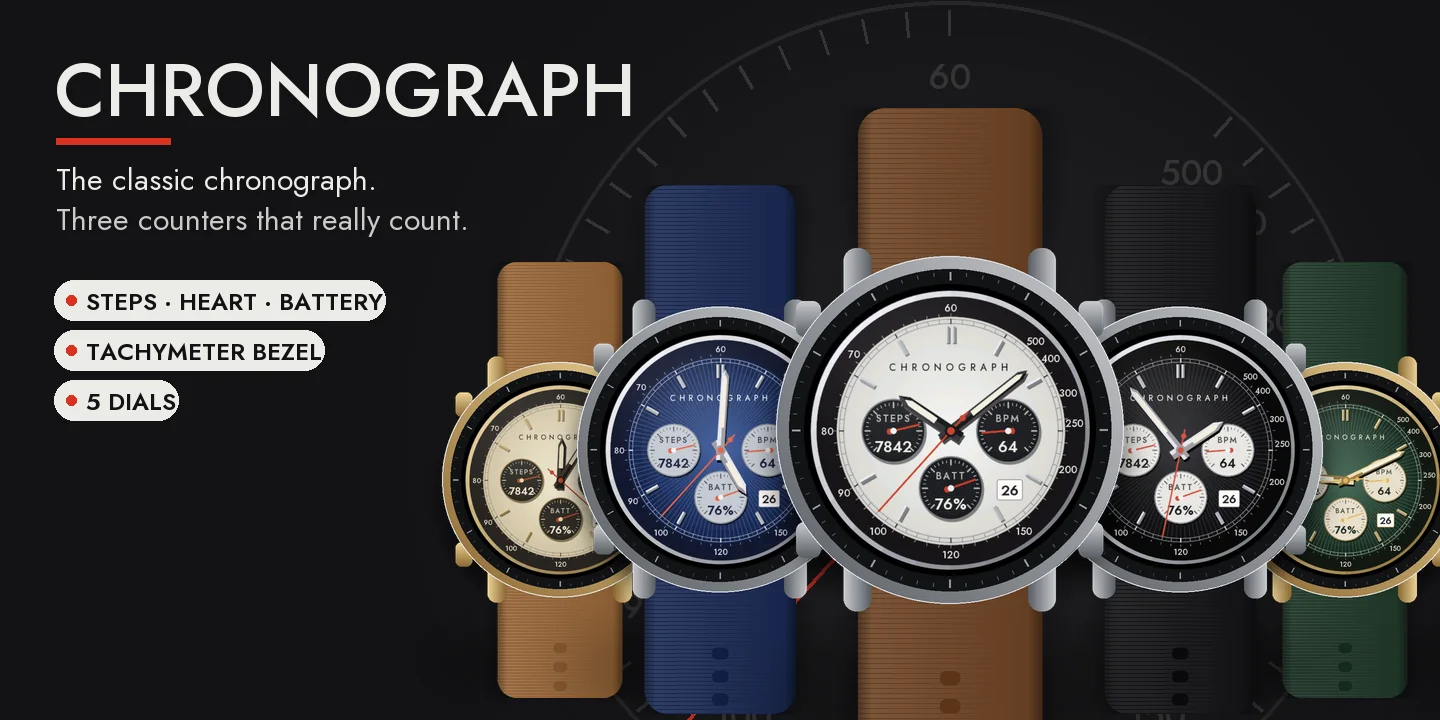
A classic chronograph
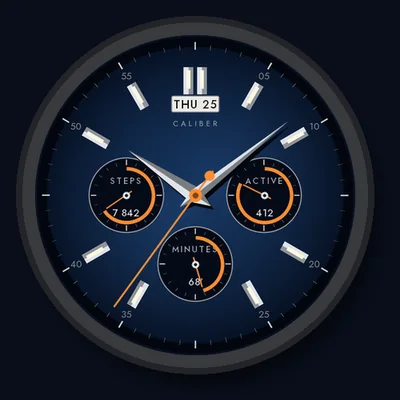
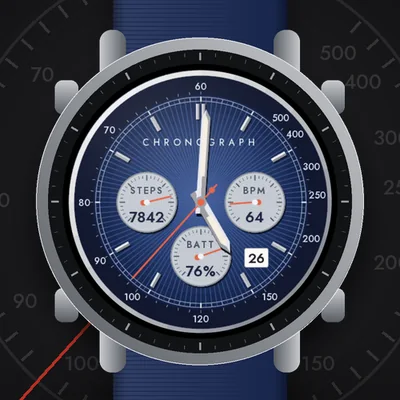
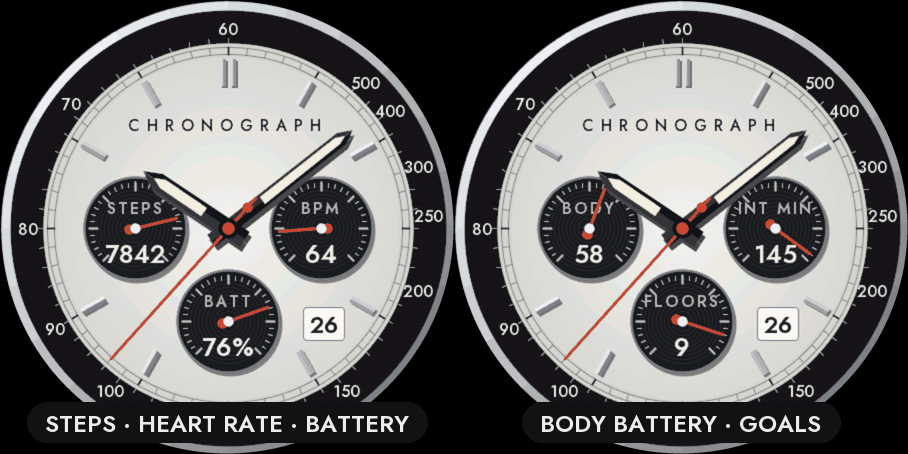
A polished case, a black tachymeter bezel, a railway minute track, applied faceted markers and baton hands with luminous inserts. A red seconds hand sweeps the dial while the watch is awake.
Three counters that really count
The counters at 9, 3 and 6 o'clock are not decoration: each one shows a real measurement on its own scale, with the value written inside. Pick any of these for each counter: your step goal, heart rate (40 to 200), watch battery, Body Battery, your weekly intensity minutes goal or your floors goal. If your watch has no value, the counter shows -- and its hand rests at zero rather than showing a made-up number. Nothing leaves the watch.
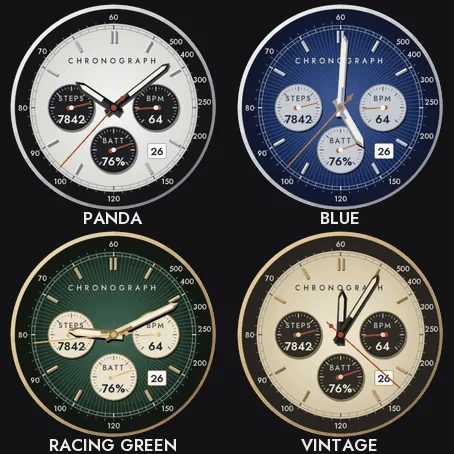
Five dials
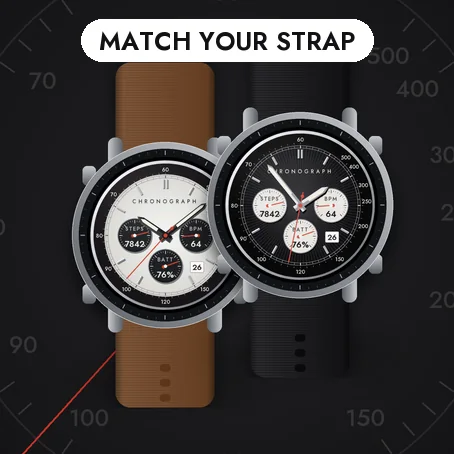
- Panda: white dial, black counters.
- Reverse panda: black dial, cream counters.
- Blue with silver counters.
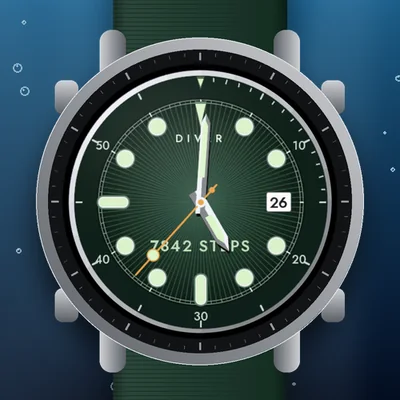
- Racing green with cream counters and gold.
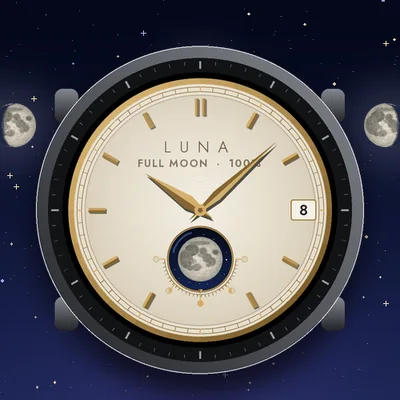
- Vintage cream with gold.
A date window at 4:30, which you can hide.
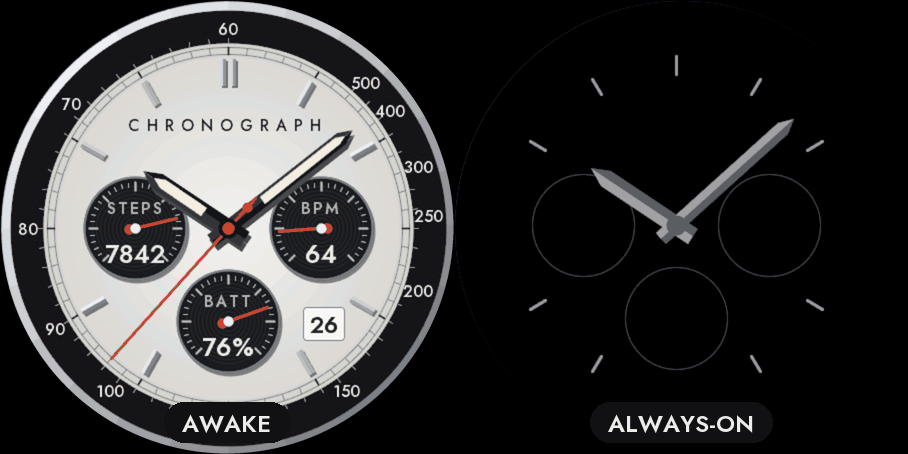
Always-on
A separate always-on design on a black screen: the markers, the outline of the counters and the hands in grey. It shifts slightly every minute to protect the screen. A brighter option is in the menu.
Compatible with the Garmin AMOLED watches listed below. English only. Questions or a watch you would like to see supported: use the support e-mail on this page.