Settings on the watch
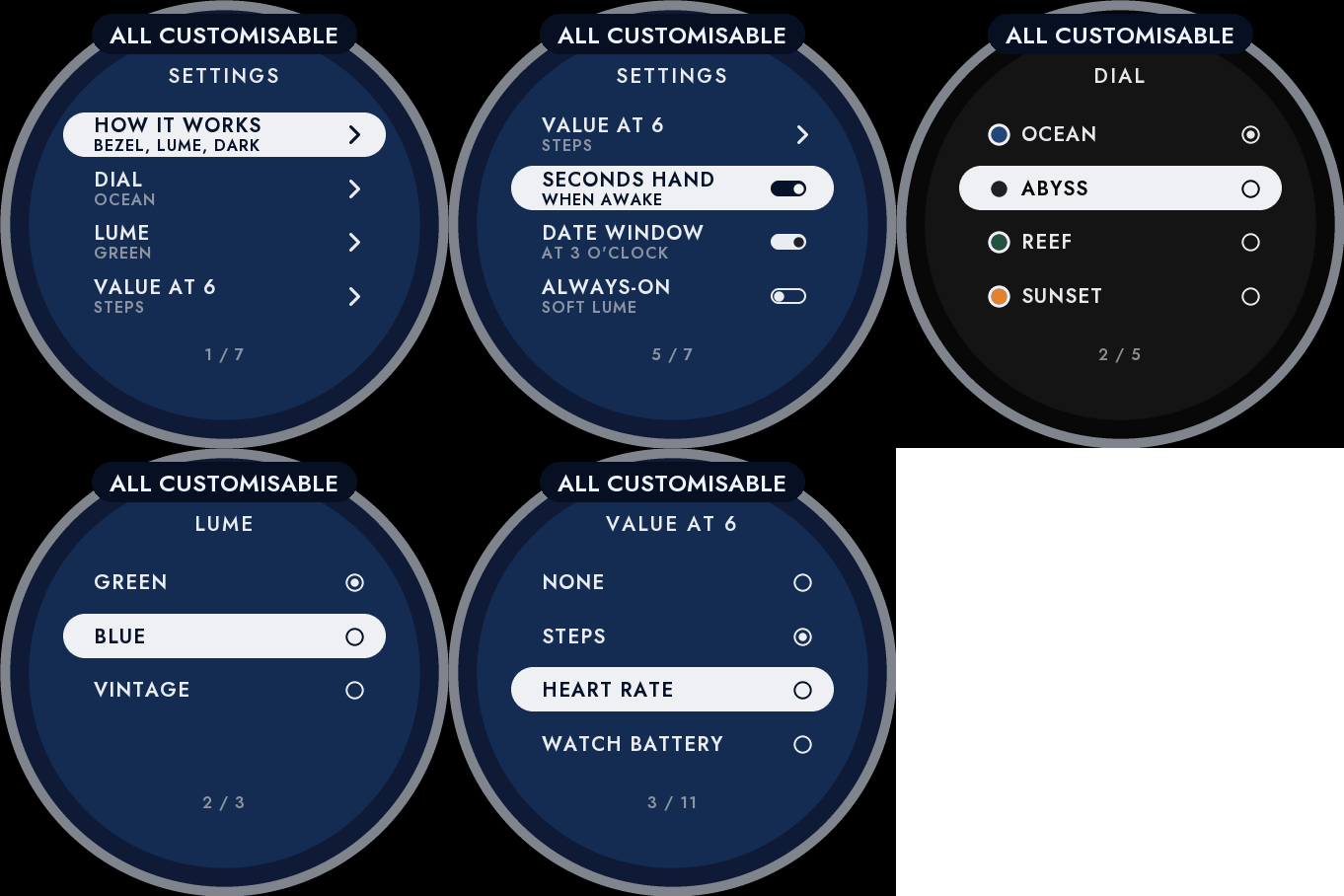
Hold UP, pick Watch Face, select Diver, press START, then Customize. The menu is drawn like the dial: a short How it works guide, the dial, the lume colour, the value at 6, the seconds hand, the date window and the always-on brightness. The same settings are in Garmin Connect if you prefer the phone.
The classic dive watch look
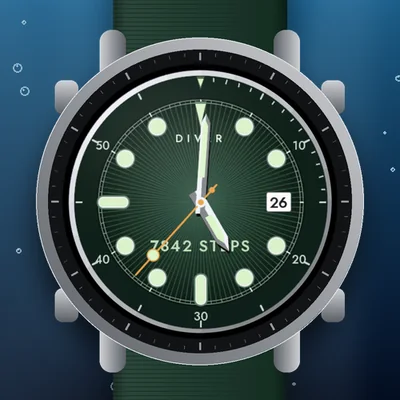
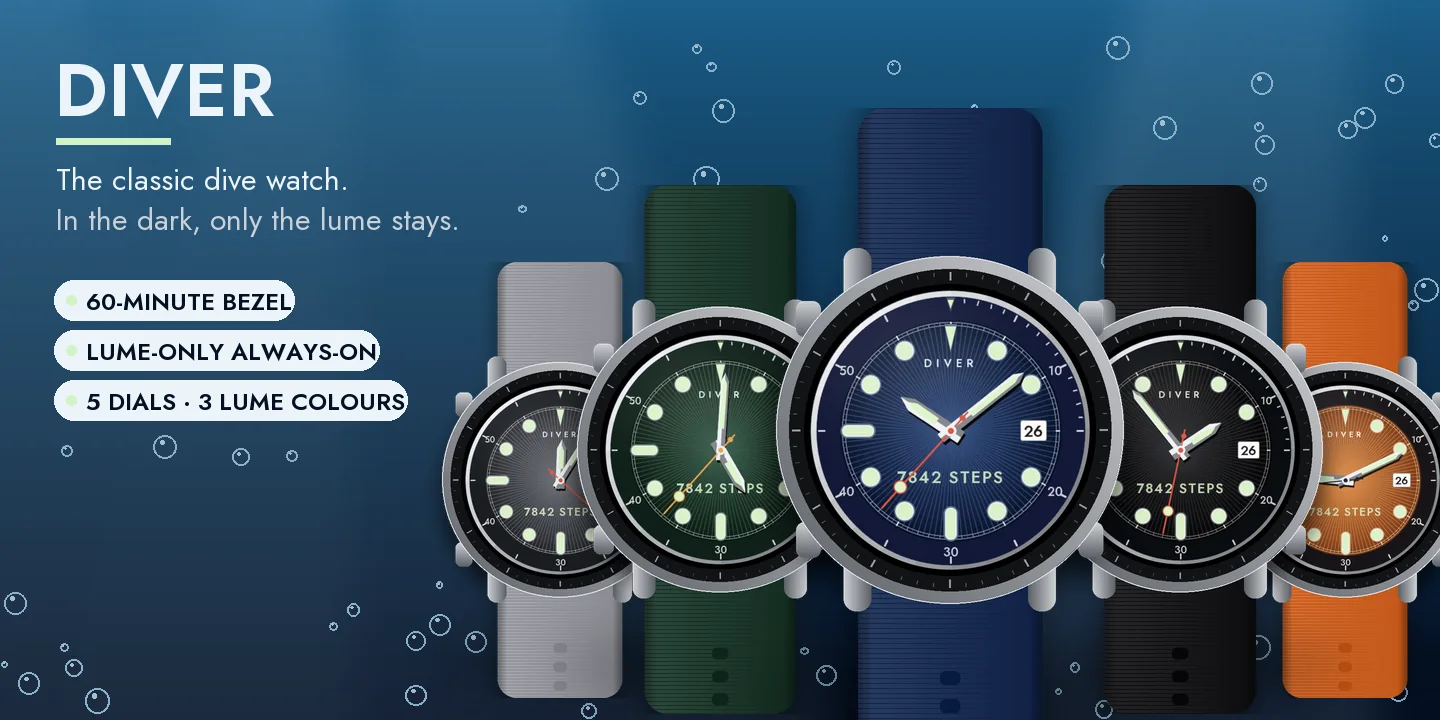
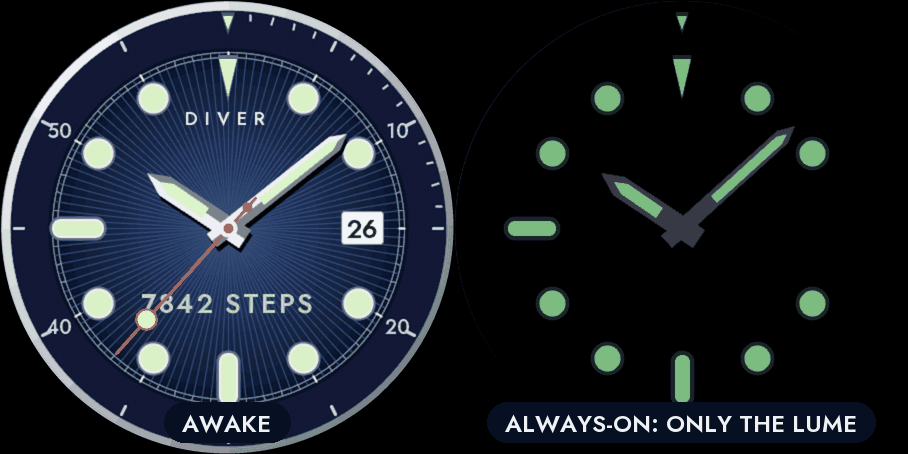
A polished case and a dark 60-minute bezel, minute by minute for the first quarter, with its luminous pip. Round luminous markers set in steel, bars at 6 and 9, a triangle at 12, sword hands with luminous inserts, and a lollipop seconds hand that sweeps while the watch is awake.
In the dark, only the lume
The always-on screen keeps nothing but the luminous material: the markers, the bezel pip and the hands glow softly on black, the way a real dive watch looks at night. It shifts slightly every minute to protect the screen, and a brighter lume option is in the menu.
Make it yours
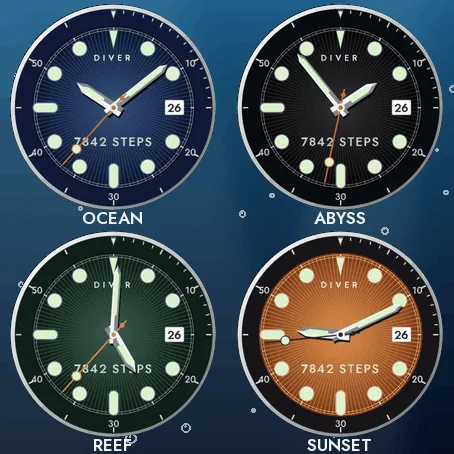
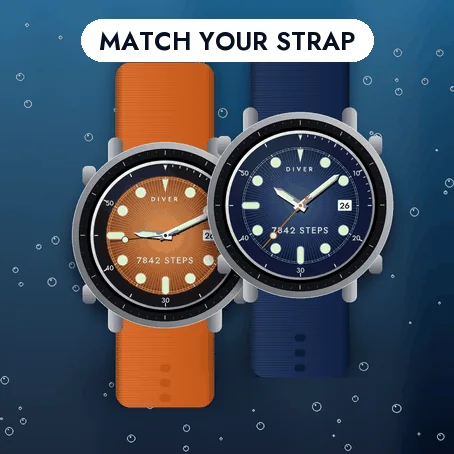
- Five dials: Ocean blue, Abyss black, Reef green, Sunset orange and Steel grey, each with a fine sunburst.
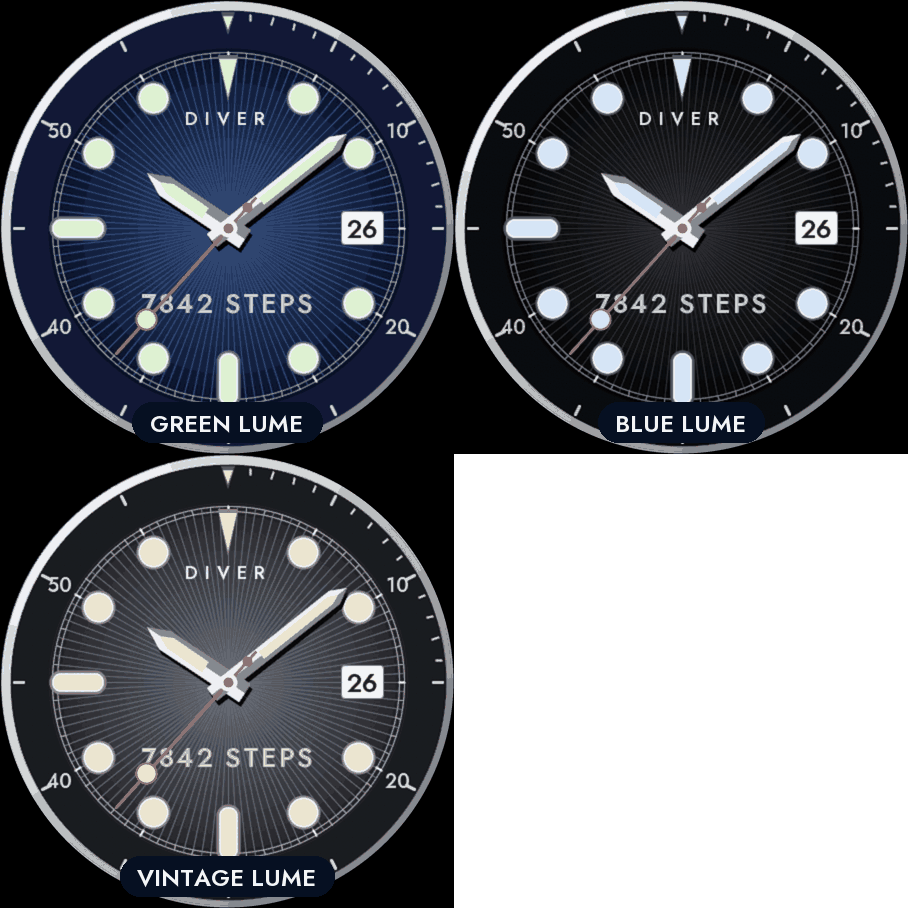
- Three lume colours: green, blue and vintage.
- One value at 6 o'clock, or none: steps, heart rate, watch battery, Body Battery, calories, floors, distance, intensity minutes, notifications or temperature. If your watch has no value, it shows -- rather than a made-up number. Nothing leaves the watch.
- A date window at 3 o'clock, which you can hide.
Compatible with the Garmin AMOLED watches listed below. English only. Questions or a watch you would like to see supported: use the support e-mail on this page.