Settings on the watch
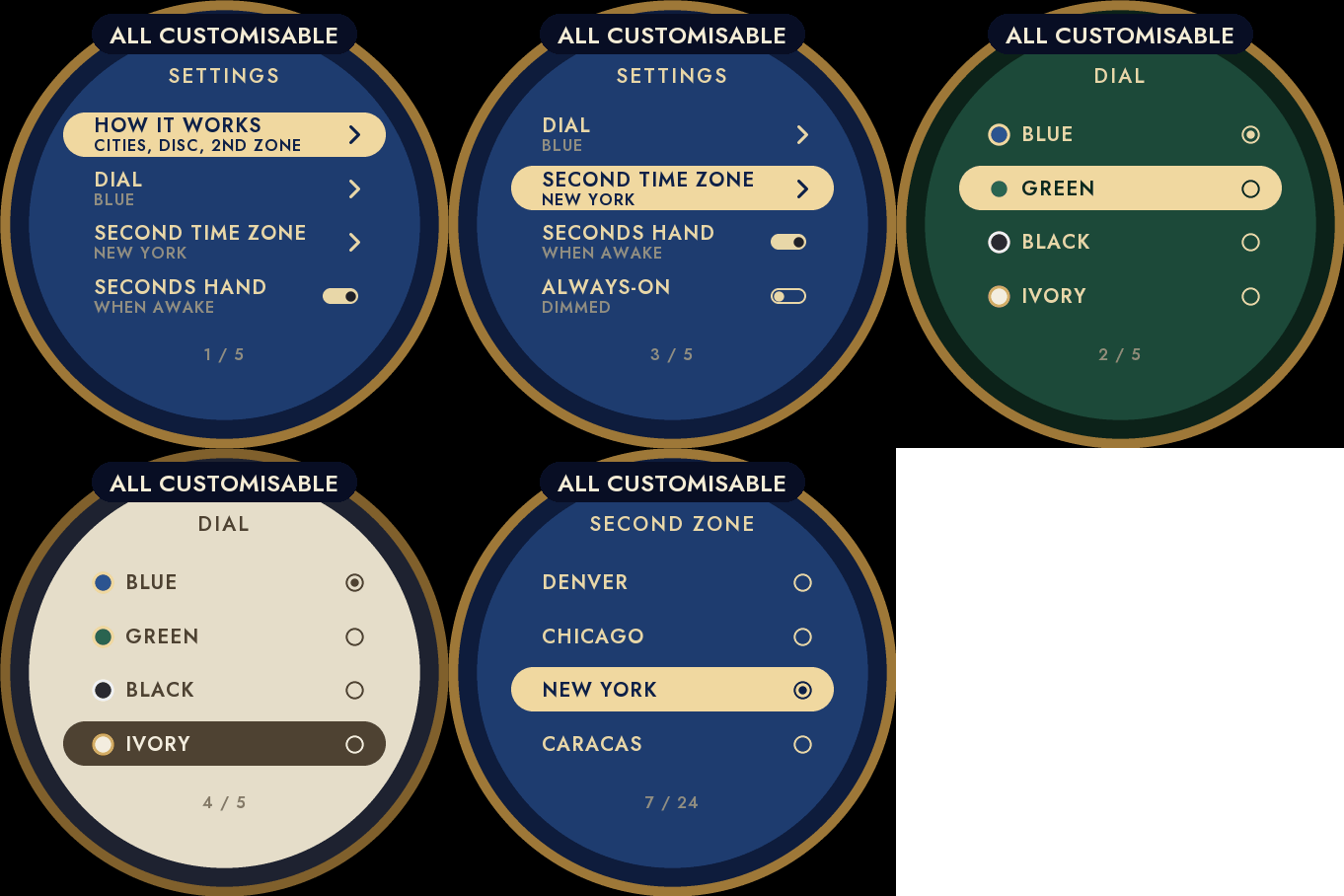
Hold UP, pick Watch Face, select World Timer, press START, then Customize. The menu is drawn like the dial: a short How it works guide, the dial, the second time zone, the seconds hand and the always-on brightness. The same settings are in Garmin Connect if you prefer the phone.
The time in 24 cities
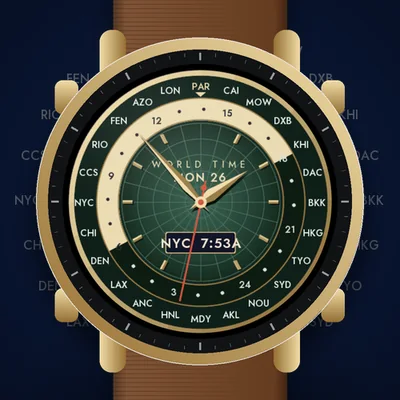
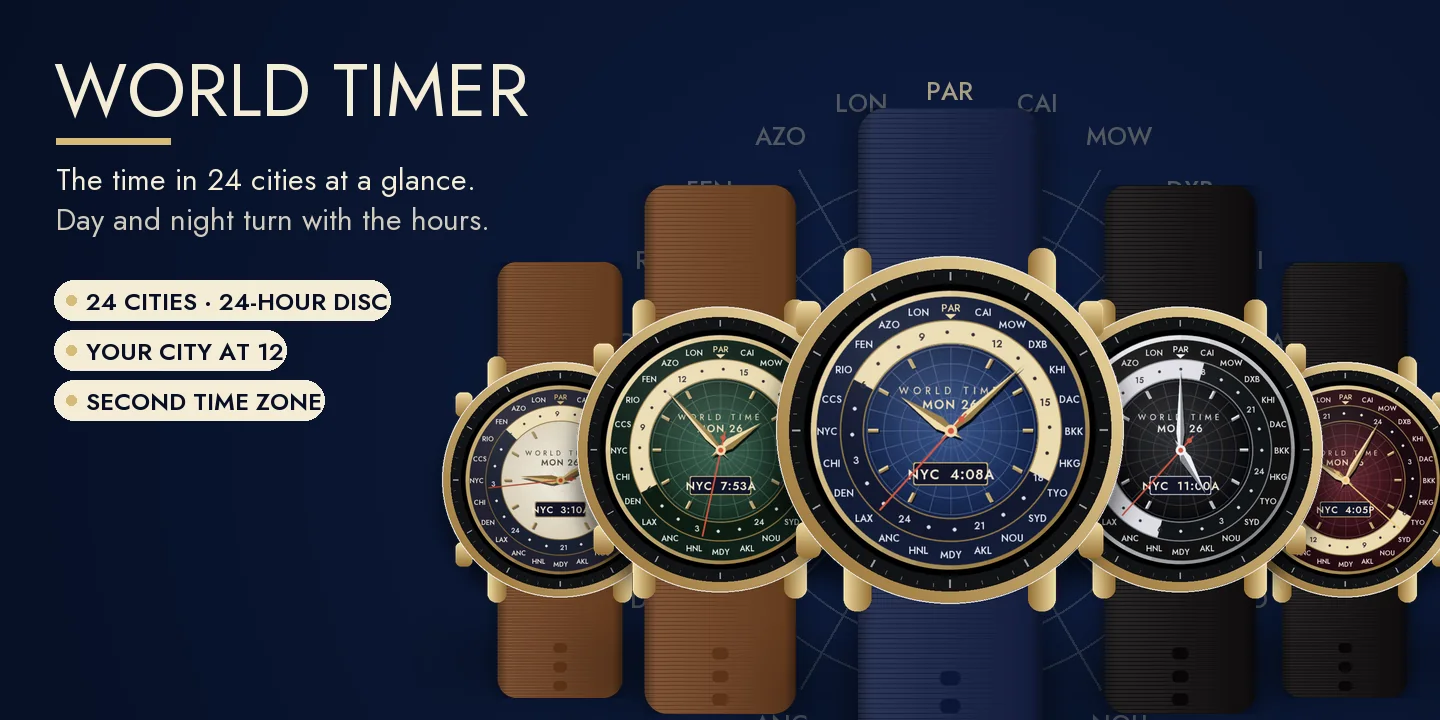
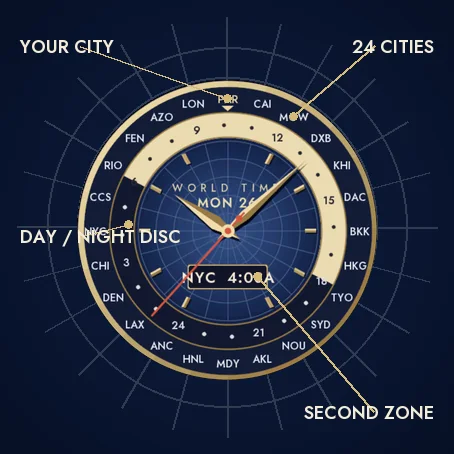
A ring of 24 cities, one per time zone, around a 24-hour disc that turns with the hours. Read any city's hour next to its name. The light half of the disc is day, from 6 to 18, the dark half is night, so you see at a glance where it is morning, noon or midnight.
Your city at 12
Your time zone is read from the watch and placed at 12 o'clock, marked in gold. The cities are shown in standard time, like on a traditional world time watch: daylight saving is followed for your own city only.
A second time zone
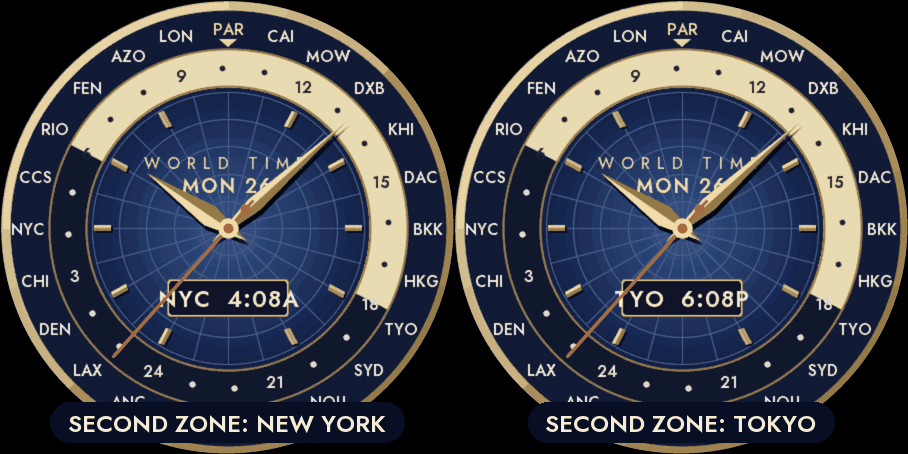
A window at 6 o'clock shows the time in a city of your choice: New York by default, or any of the 24 cities.
A classic watch
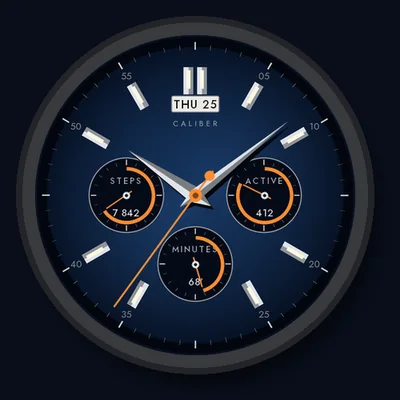
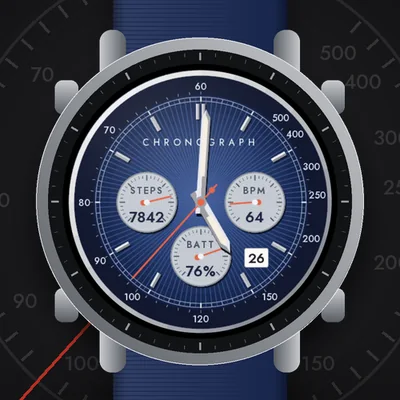
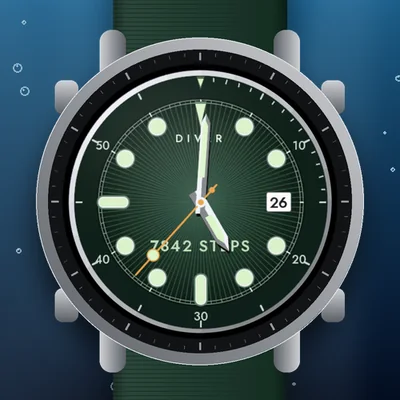
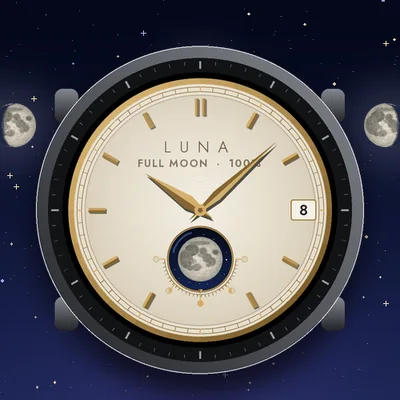
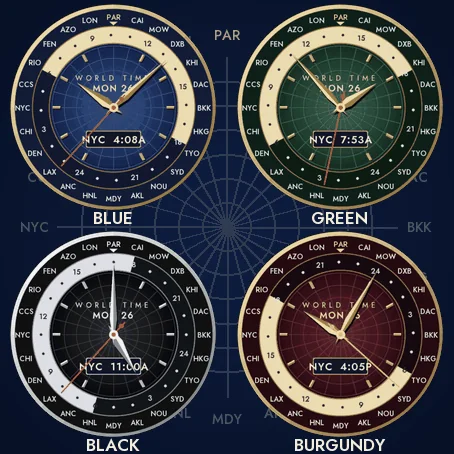
A polished case, a centre engraved like a globe seen from the pole, applied faceted markers, faceted dauphine hands and a seconds hand that sweeps while the watch is awake. Five dials: Blue, Green and Burgundy with gold, Black with steel, Ivory with gold. Nothing leaves the watch.
Always-on
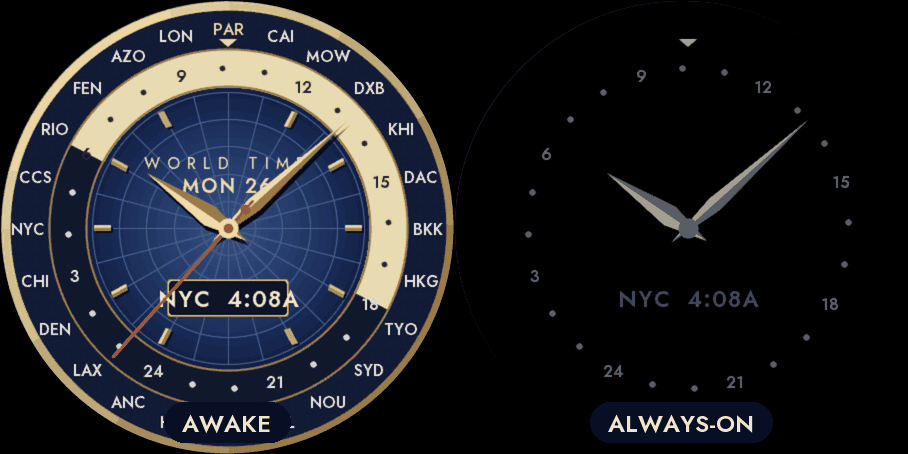
A separate always-on design on a black screen: the hours of the disc, your city marker, the second time zone and the hands in grey. It shifts slightly every minute to protect the screen. A brighter option is in the menu.
Compatible with the Garmin AMOLED watches listed below. English only. Questions or a watch you would like to see supported: use the support e-mail on this page.